Best Free Tools for Bootstrapped Startup Founders in 2026
Building a successful company from scratch no longer requires thousands of dollars in software licenses or capital expenditure. In fact, the availability of robust freemium software and artificial intelligence platforms allows modern founders to build, launch, and scale their businesses on a zero dollar budget. Finding the right free tools for bootstrapped startups can enable entrepreneurs to manage product development, marketing, accounting, and sales operations seamlessly.
By leveraging top software tiers, early-stage teams can maintain extreme capital efficiency while testing product market fit. In this guide, we review the top zero cost platforms, outline technical requirements, examine financial margins, and provide actionable advice to keep your operational overhead as close to zero as possible.
The Evolution of Zero Cost Startup Operations
A decade ago, launching a software product or digital business required significant capital for server hosting, custom web design, proprietary marketing databases, and dedicated accounting software. In 2026, the competitive landscape of modern software has completely changed. Software companies offer generous free tiers to attract early-stage teams before they scale into enterprise tier accounts.
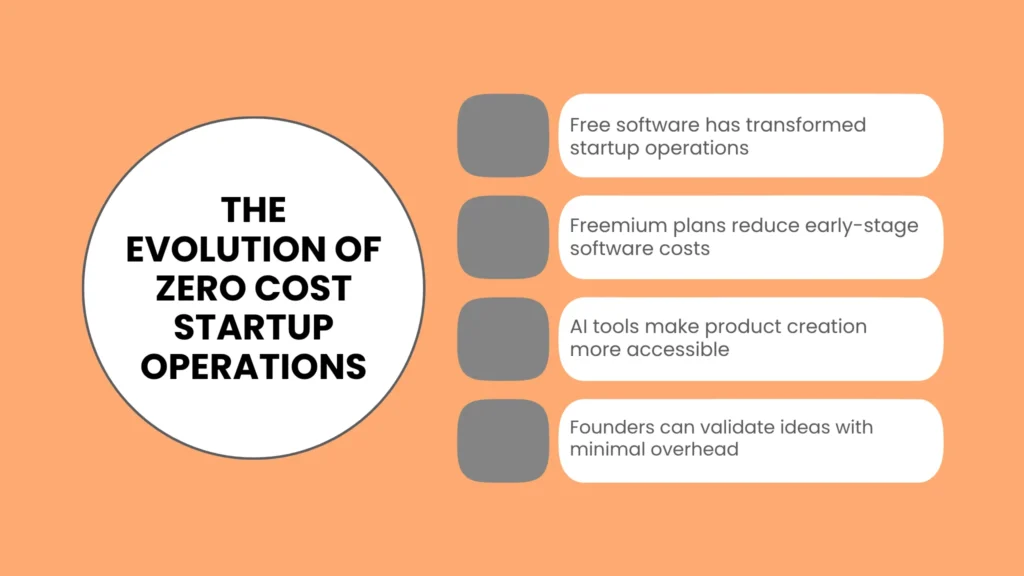
For solo founders and small teams, this freemium ecosystem provides a distinct competitive advantage. You can validate customer demand, build a functional minimum viable product, process customer payments, and manage team communication without writing a check. The primary challenge is no longer securing software access, but selecting the right set of tools that seamlessly work together.
Top Free Tools Across Every Core Business Function
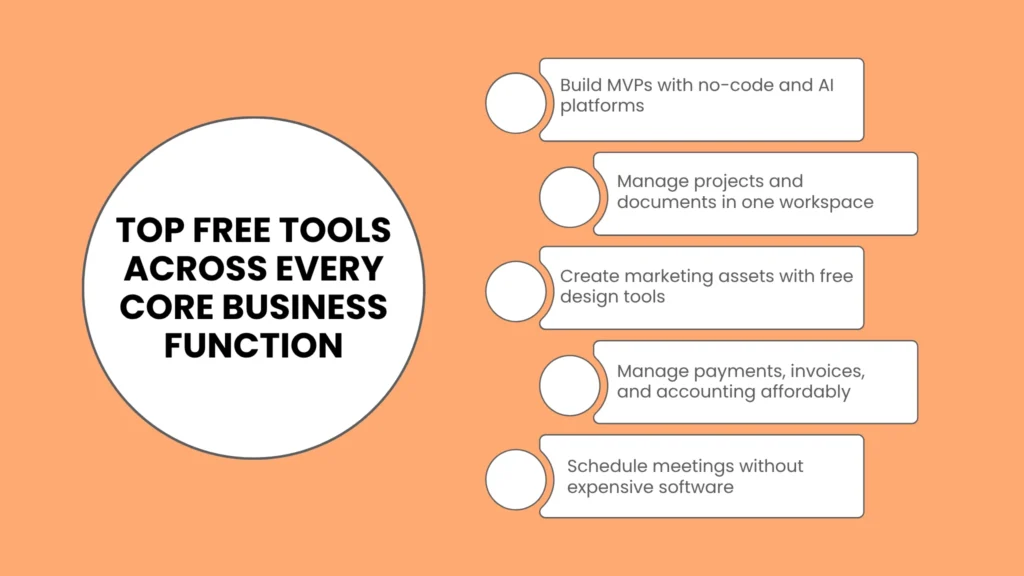
To help you navigate the massive index of available applications, we have organized the best startup tools on a budget by their specific operational categories.
1. Product Development and No-Code Builders
Building your minimum viable product used to require hiring expensive software engineers or spending months learning full stack web development. Today, visual development platforms and artificial intelligence coding assistants make product creation fast and accessible.
Lovable & Bubble: Platforms like Lovable and Bubble provide visual app creation environments. Founders can design custom database models, establish user authentication rules, and deploy responsive web applications directly from a browser. Bubble offers a generous free tier that is ideal for prototyping and early user feedback.
Replit: For technical or semi-technical founders, Replit offers an inline browser environment to code, test, and deploy software applications. Its free environment includes cloud hosting and instant collaborative coding environments.
GitHub: Version control is non-negotiable for software products. GitHub provides free public and private code repositories, basic automation workflows via GitHub Actions, and issue tracking for small teams.
2. Project Management and Knowledge Documentation
Keeping team tasks and product documentation organized is vital when cash runway is limited. Scattered notes and missing project files waste valuable operational time.
Notion: Widely regarded as an all-in-one productivity workspace, Notion replaces traditional document editors, task boards, and company wikis. The free plan includes unlimited pages and blocks for individual users, along with basic database views like Kanban boards and calendars.
Trello & Linear: Trello remains an outstanding choice for visual project management using simple cards and lists. Software focused teams often opt for Linear, which provides a clean, fast issue tracking interface with a generous free plan covering early product sprints.
Google Drive & Docs: Google provides 15 Gigabytes of free cloud storage along with real-time collaborative document creation, spreadsheets, and presentation tools.
3. Marketing, Brand Design, and Communication
Acquiring your first hundred customers requires clean visual design, clear messaging, and automated outreach platforms.
Canva: Canva allows non-designers to produce professional marketing assets, social media graphics, pitch decks, and brand logos. The free plan contains thousands of customizable templates, drag-and-drop design tools, and export options.
Mailchimp & Brevo: Building an email audience is critical for pre-launch validation. Platforms like Mailchimp and Brevo offer permanent free tiers that allow founders to collect subscriber contacts, build sign-up forms, and automate welcome email sequences.
Buffer: Maintaining a social media presence across multiple platforms can consume hours each week. Buffer offers a free tier that lets you connect up to three social channels and schedule posts in advance.
4. Financial Management, Operations, and Payments
Managing business cash flow accurately prevents tax complications and ensures operational stability.
Wave Accounting: Wave provides completely free double-entry accounting and financial reporting software designed for small business owners. It lets you send professional invoices, track business expenses, and generate profit and loss statements without monthly subscription charges.
Stripe: Collecting customer payments online requires a secure, reliable payment gateway. Stripe requires no upfront implementation fees or monthly fixed costs. You only pay a predictable fee per transaction when customers purchase your products.
Calendly: Scheduling customer discovery calls, investor meetings, or sales demos can lead to long email chains. Calendly offers a free tier that integrates with your personal calendar to automate appointment bookings.
Bootstrapped Software Stack Comparison
The table below outlines a lean, high efficiency software stack composed entirely of free tools for bootstrapped startups, matching key business functions to their corresponding zero cost replacements.
| Business Function | Recommended Tool | Free Tier Highlights | Ideal Use Case |
| Web App Development | Bubble / Lovable | Visual drag-and-drop builder, database hosting | MVP creation without hiring developers |
| Documentation & Wiki | Notion | Unlimited pages, database views, templates | Centralized company knowledge workspace |
| Graphic & Deck Design | Canva | Thousands of design templates, simple exporter | Pitch decks, social media assets, logos |
| Bookkeeping & Invoicing | Wave Accounting | Double-entry accounting, custom invoicing | Expense tracking and profit reporting |
| Email Marketing | Brevo / Mailchimp | Automated email workflows, contact storage | Newsletter publishing and subscriber leads |
| Payment Gateway | Stripe | Pay-as-you-go pricing, no monthly fees | Online credit card payment processing |
| Meeting Scheduling | Calendly | One calendar integration, custom booking link | Customer interviews and sales calls |
Evaluating Costs, Requirements, and Financial Margins
Choosing to run your business using freemium applications impacts your company structure, cash burn, and long-term financial health. Below is a detailed breakdown of how this strategy influences your bottom line.
Financial Breakdown and Free Tools for Bootstrapped Startups Cost
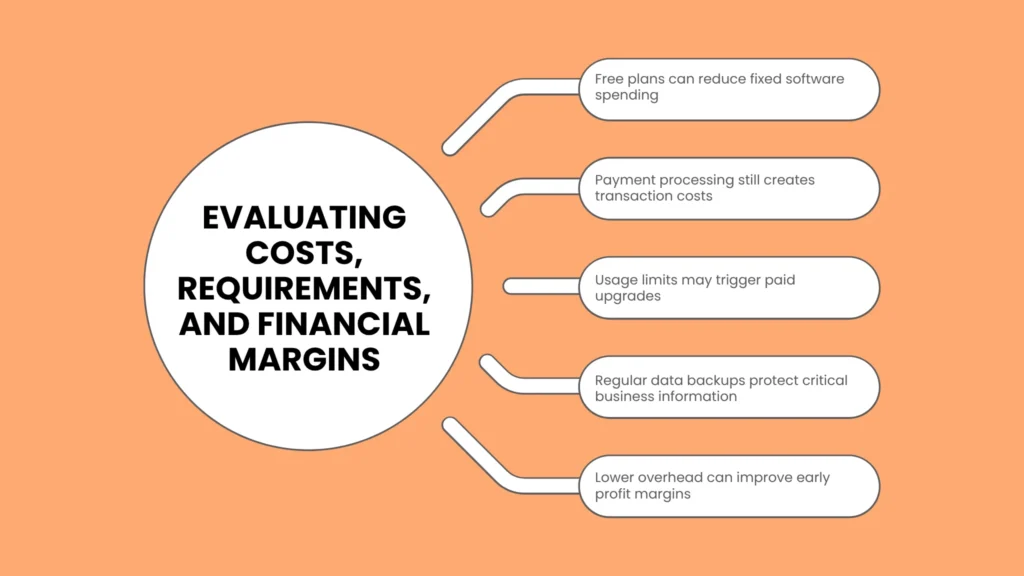
While the monthly software fee for these applications is zero dollars, founders must account for secondary indirect expenses. Understanding the actual free tools for bootstrapped startups cost structure prevents sudden cash flow surprises as your company expands.
Transaction and Domain Fees: While tools like Stripe and Wave do not charge fixed monthly fees, third-party payment processing fees usually average 2.9% plus thirty cents per successful transaction. Domain registration usually costs between $10 and $20 per year.
Usage Tier Upgrades: Free software tiers enforce strict usage boundaries, such as subscriber caps, monthly workload units, or API invocation limits. Crossing these thresholds requires upgrading to paid subscription plans.
Time Investment: Setting up integrations between multiple distinct applications takes time. The human effort required to manage multiple standalone free tools represents an opportunity cost for busy founders.
Based on available market data, a typical bootstrapped founder relying on this software stack maintains an estimated fixed software spend between $0 and $30 per month during their first year of operations.
Technical Free Tools for Bootstrapped Startups Requirements
To maximize the benefits of zero cost platforms, founders should meet basic technical and operational conditions. Meeting these free tools for bootstrapped startups requirements ensures your systems run smoothly without data loss or service interruptions.
Standardized Web Browsers: Modern visual builders and cloud platforms require up-to-date web browser environments to run visual canvas editors effectively.
Basic Webhook Knowledge: Because free software tiers often lack native enterprise integrations, understanding basic API webhooks or Zapier automation triggers allows you to pass customer data automatically between platforms.
Data Export Protocols: Founders should regularly export customer databases, contact lists, and financial records to local backup files. Storing local CSV files protects your operations if a vendor alters its free tier policy or suspends an inactive account.
Operational Impact on Free Tools for Bootstrapped Startups Profit Margin
Software expenses represent one of the fastest growing overhead categories for early-stage companies. By eliminating monthly recurring software bills during early growth stages, you preserve cash runway and expand your free tools for bootstrapped startups profit margin.
Gross profit margins for digital service and software businesses running on zero cost tools can exceed 80% to 90% during early launch phases. Because fixed operating costs remain extremely low, every dollar earned from customer sales goes directly toward customer acquisition, product research, or net profit reserves. Preserving high margins gives bootstrapped founders the luxury of time to iterate on their product without facing sudden cash exhaustion.
Is Free Tools for Bootstrapped Startups Profitable for Long-Term Growth?
A common question among early entrepreneurs is whether relying on free software remains sustainable as customer acquisition scales. So, is free tools for bootstrapped startups profitable over an extended operating timeline?
The answer is yes. Operating on free software during your validation phase allows you to reach initial profitability much faster because your revenue threshold for breaking even is exceptionally low. Once customer revenue reaches a stable monthly flow, you can selectively upgrade to premium software tiers to unlock team collaboration, advanced security features, or automated scaling capabilities. Using free software acts as a financial bridge that keeps your startup profitable from day one until cash flow naturally supports higher infrastructure investment.
Practical Strategies to Avoid Software Overload
Using multiple free tools can occasionally lead to operational sprawl if systems are not managed systematically. Implement these practical steps to keep your operations organized:
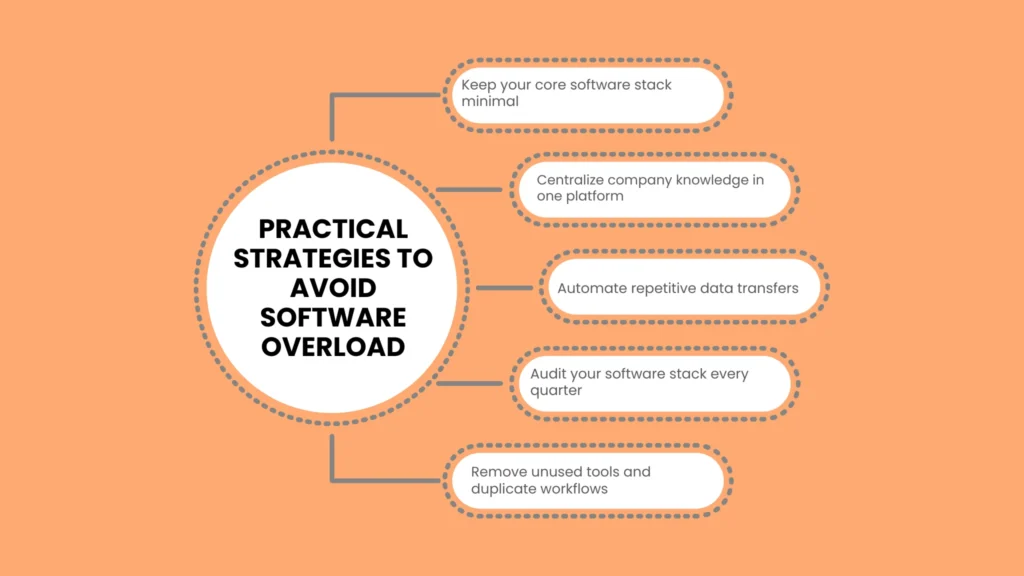
Limit Your Core Stack to Six Tools: Select one core tool for each key category: project tracking, documentation, design, communication, payments, and accounting. Adding unnecessary single-purpose apps creates friction.
Centralize Knowledge in One Platform: Choose a single platform like Notion to store all company documentation, meeting notes, project roadmaps, and guidelines.
Automate Data Transfers: Use basic automation platforms like Zapier or Make on their free plans to sync new email subscribers or customer purchase logs directly into your database spreadsheets.
Conduct Quarterly Stack Audits: Review your active software applications every three months. Deactivate unused accounts and remove redundant tools to keep your workflows streamlined.
Conclusion
Building a sustainable business without outside venture capital requires resourcefulness, discipline, and capital efficiency. Choosing the right free tools for bootstrapped startups gives you the freedom to build functional products, serve customers, and manage business finances without incurring heavy fixed monthly subscription debt.
By starting lean, keeping fixed overhead low, and focusing on unit profitability, you give your company the maximum runway needed to achieve long-term success.
For more detailed tactical guides on business formation, legal frameworks, financial planning, and startup execution, explore our latest founder resources at reliablestartup.
Frequently Asked Questions
What are the best free tools for bootstrapped startups to build an MVP without coding?
Bubble and Lovable are outstanding visual web development platforms that allow founders to design, launch, and host functional web applications without coding expertise. For simple landing pages, tools like Carrd provide fast, low complexity page builders.
How long can a startup realistically rely on free software tools?
Most bootstrapped founders can run their operations on free software tiers for 6 to 18 months, depending on their speed of customer growth and data storage requirements. You only need to upgrade when your team size or transaction volumes exceed free plan allowances.
Are free software tools safe and secure for handling client data?
Yes, established software platforms like Notion, Wave, Stripe, and Canva use enterprise grade encryption and secure cloud infrastructure across both free and paid accounts. However, founders should always enable two-factor authentication on all company logins.
What is the biggest mistake founders make when using free tools?
The most common mistake is adopting too many apps simultaneously. Managing ten different niche applications creates unnecessary complexity. Stick to a minimal stack that covers essential business functions.