Cleaning Business Software: Best Tools for Scheduling, Customers, Payments, and Team Management
Running a successful residential maid service or commercial janitorial operation requires managing constantly moving parts. Between coordinating crew routes, tracking supply inventory, collecting payments, handling last-minute cancellations, and managing client expectations, administrative tasks can quickly consume your day. Relying on manual spreadsheets, paper work orders, and fragmented text message threads often leads to missed appointments, double bookings, delayed payments, and high staff turnover.
To scale your business sustainably, adopting dedicated cleaning business software is no longer optional, it is an operational necessity. Modern digital management platforms centralize your entire schedule, automate recurring billing, track field crew locations in real time, and deliver a professional experience that keeps clients loyal.
Whether you operate as a solo cleaner looking to streamline invoicing or manage multiple crews servicing large commercial accounts, this guide breaks down the best software tools, key features to evaluate, and how to select the right platform for your business.
Why Modern Cleaning Businesses Need Specialized Software
Many service business owners begin by using basic calendar applications and generic accounting tools. However, as your client list grows, generic solutions quickly break down under the weight of recurring appointment logic and field staff coordination. Specialized cleaning management software directly addresses the unique operational pain points of the cleaning industry.
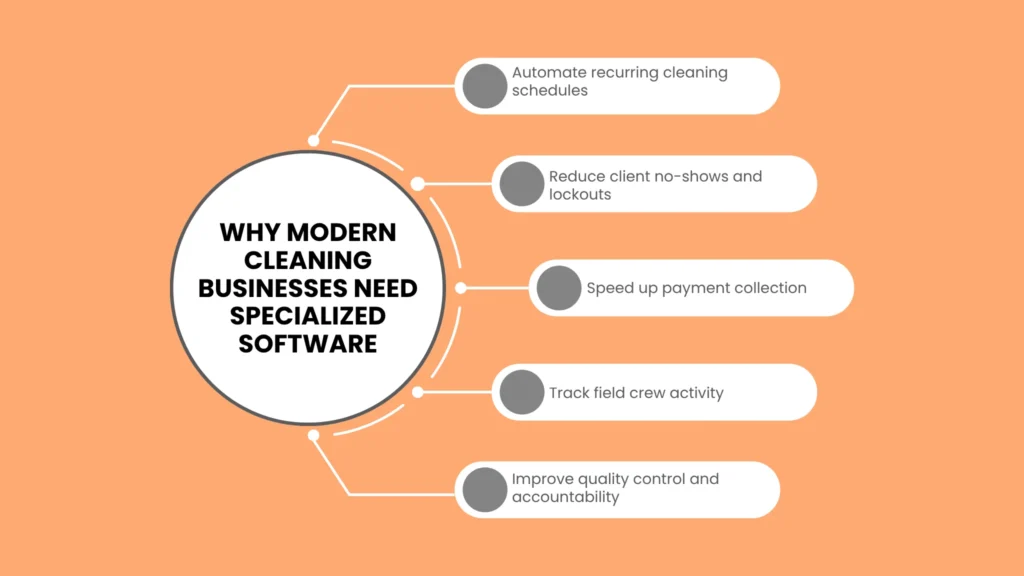
Streamlined Administrative Operations
Manual dispatching takes hours every week. cialized platforms allow you to create recurring schedules in seconds, reassign jobs using simple drag-and-drop interfaces, and instantly notify team members of changes through mobile app notifications.de
Reduced Client No-Shoews a nd Lockouts
Automated SMS and email reminders notify clients about upcoming service visits, door code confirmations, and pet containment reminders. Eliminating lockouts directly protects your daily profit margins and keeps your staff on schedule.
Accelerated Cash Flow
Waiting for paper checks or manual bank transfers delays payroll and strains working capital. Integrated credit card processing enables automatic card-on-file charging immediately upon job completion, dramatically reducing outstanding accounts receivable.
Quality Control and Accountability
Mobile apps equip field technicians with digital room-by-room checklists, photo upload capabilities, and GPS-verified clock-in features. This ensures standard operating procedures are met on every job, providing tangible proof of service for clients.
Core Features to Look for in Cleaning Business Software
When evaluating platforms, it helps to separate marketing hype from functional value. The most effective software solutions combine powerful backend administration with simple field usability.
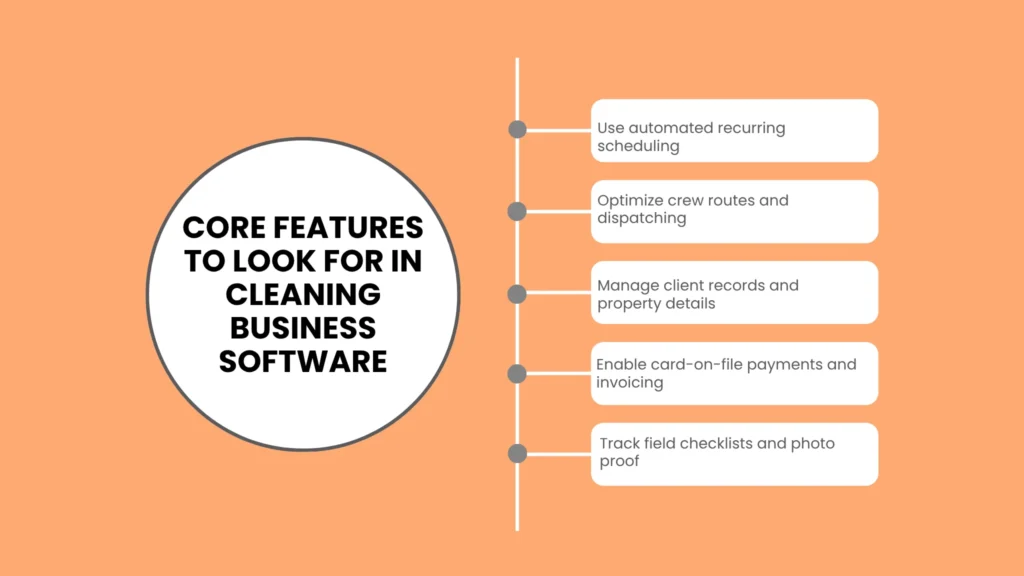
1. Advanced Cleaning Scheduling Software
Scheduling in the cleaning industry is inherently complex due to varying visit frequencies (weekly, bi-weekly, monthly, one-time deep cleans). Look for cleaning scheduling software that handles:
Automated Recurring Rotations: Set up a schedule once, and the software automatically projects visits months into the future.
Smart Route Optimization: Algorithms group appointments by geographic proximity, reducing crew transit times and cutting fuel expenses.
Real-Time Dispatching: Instantly push schedule updates, route adjustments, or emergency additions directly to your cleaners’ mobile devices. If you’re still comparing options, our detailed breakdown of the best employee scheduling software for cleaning teams covers additional tools worth considering.
2. Comprehensive Cleaning CRM (Customer Relationship Management)
Your client database should hold far more than just names and phone numbers. A robust cleaning CRM acts as a centralized vault for critical operational details:
Property Specifics: Store gate codes, alarm instructions, preferred entry doors, fragile items to avoid, and pet details.
Customer Portals: Allow clients to log in independently to view service histories, update credit card information, approve quotes, and request schedule adjustments without calling your office.
Communication Logs: Track all text messages, email exchanges, and phone notes in one timeline to maintain accountability across your office staff.
3. Integrated Payment and Invoicing Tools
Smooth financial workflows prevent unpaid bills from piling up. Look for features such as:
Card-on-File Processing: Securely store payment credentials to process charges automatically once a cleaner marks a job as complete in the app.
Batch Invoicing: Send dozens of commercial invoices or residential receipts simultaneously with a single click.
Accounting Sync: Direct two-way synchronization with platforms like QuickBooks Online or Xero eliminates tedious double-entry work. Businesses can review official integration and setup documentation directly on QuickBooks’ app integrations page before connecting a new platform.
4. Specialized Janitorial Software Functionality
If your operations include commercial facilities, office buildings, or industrial sites, your software needs extend beyond residential needs. Before onboarding commercial clients, it’s worth reviewing what typically goes into commercial cleaning contracts so your software workflows match your agreements. Dedicated janitorial software offers:
Inspection Auditing Tools: Conduct visual quality audits on mobile tablets and generate formatted PDF reports for building managers.
Shift and Facility Tracking: Track staff attendance across fixed site locations using geo-fenced clock-ins or landline IVR phone verification.
Supply and Inventory Management: Track usage of cleaning chemicals, paper products, and equipment across different facility closets.
Top Cleaning Business Software Platforms Compared
Different software platforms cater to specific business sizes and service models. The table below compares the industry’s leading tools across essential criteria.
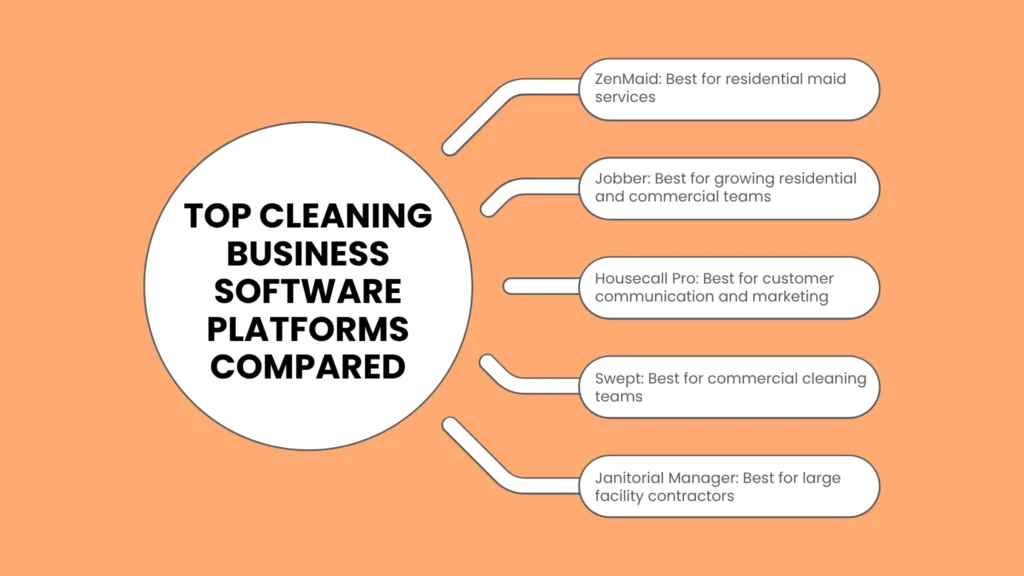
| Platform | Best For | Core Strengths | Key Features |
| ZenMaid | Residential Maid Services | Purpose-built for residential cleaning; extremely fast setup; intuitive interface | Automated dispatch, instant booking forms, two-way SMS, seamless contractor assignment |
| Jobber | Growing Residential & Commercial Teams | Highly polished all-in-one field service management; excellent customer portal | Quote approval, route optimization, batch invoicing, online customer portal |
| Housecall Pro | Multi-Crew Service Operations | Powerful communication features; robust marketing automation engines | On-my-way SMS alerts, visual price books, integrated postcard marketing, QuickBooks sync |
| Swept | Commercial Cleaning & Janitorial | Specialized for commercial janitorial teams; overcomes language barriers | Translation tools, shift-based scheduling, janitorial inspections, site messaging |
| Janitorial Manager | Large Facility Contractors | High-level commercial facility tracking and operational control | Scan4Clean room tracking, detailed inspection reports, inventory control, labor budgeting |
| Fieldtics | Solo Operators & Micro-Crews | Low-cost entry point with basic recurring tools and straightforward billing | Simplified calendar, job notes, basic card processing, straightforward flat pricing |
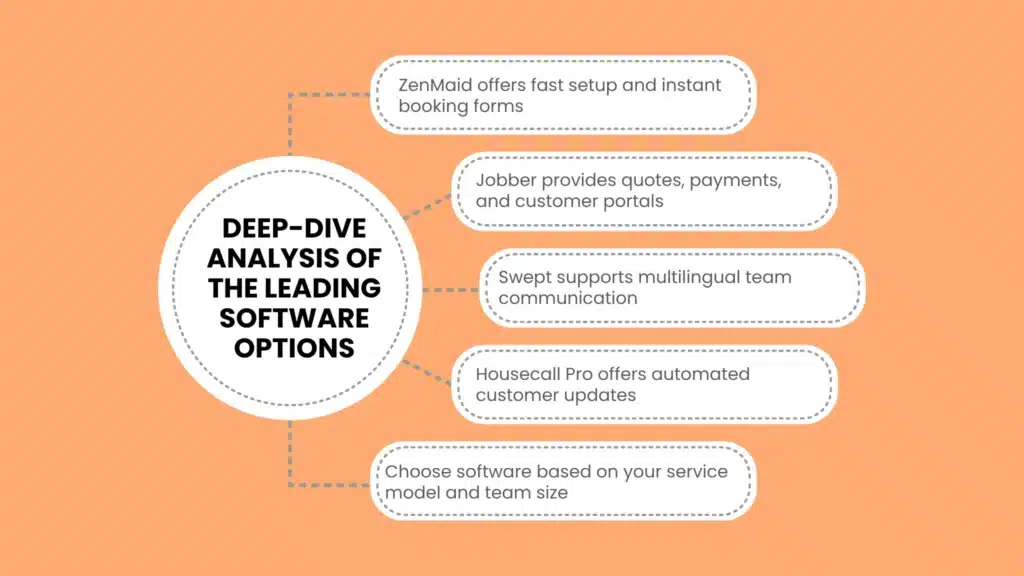
Deep-Dive Analysis of the Leading Software Options
ZenMaid
Designed specifically by former cleaning business owners, ZenMaid focuses entirely on the workflows of residential maid services. It eliminates unnecessary features found in general field service applications, resulting in a fast, easy-to-learn system.
Standout Feature: The instant booking form embeds directly onto your website, allowing prospective clients to receive quotes and schedule cleans based on your real-time availability.
Why Choose It: If you run a residential home cleaning company and want an easy platform that your office staff and cleaners can master in a single afternoon.
Jobber
Jobber is a powerhouse in the field service management space. While it serves various trades, its robust cleaning scheduling software and customer-facing tools make it a top choice for expanding cleaning enterprises.
Standout Feature: The Client Hub offers customers an effortless way to approve quotes, pay invoices, rebook services, and view technician profiles before visits.
Why Choose It: Ideal for growing operations that handle a mix of residential recurring accounts and commercial property maintenance contracts.
Swept
Commercial janitorial operations face distinct challenges, particularly regarding remote shift management and language diversity among staff. Swept was built specifically to solve these commercial pain points.
Standout Feature: Multilingual communication tools automatically translate messages between supervisors and cleaners in real time, ensuring clear instructions across diverse teams.
Why Choose It: Perfect for commercial cleaning companies managing off-hours shifts at offices, schools, and medical facilities.
Housecall Pro
Housecall Pro excels at creating a high-end, modern customer experience. Its extensive feature set includes advanced marketing tools that help you generate repeat business from existing clients.
Standout Feature: Automated consumer-facing communication, including “On-My-Way” text alerts featuring the assigned technician’s photo and bio, builds immediate trust with homeowners.
Why Choose It: Excellent for residential cleaning brands seeking to differentiate themselves through superior customer service and automated digital marketing campaigns.
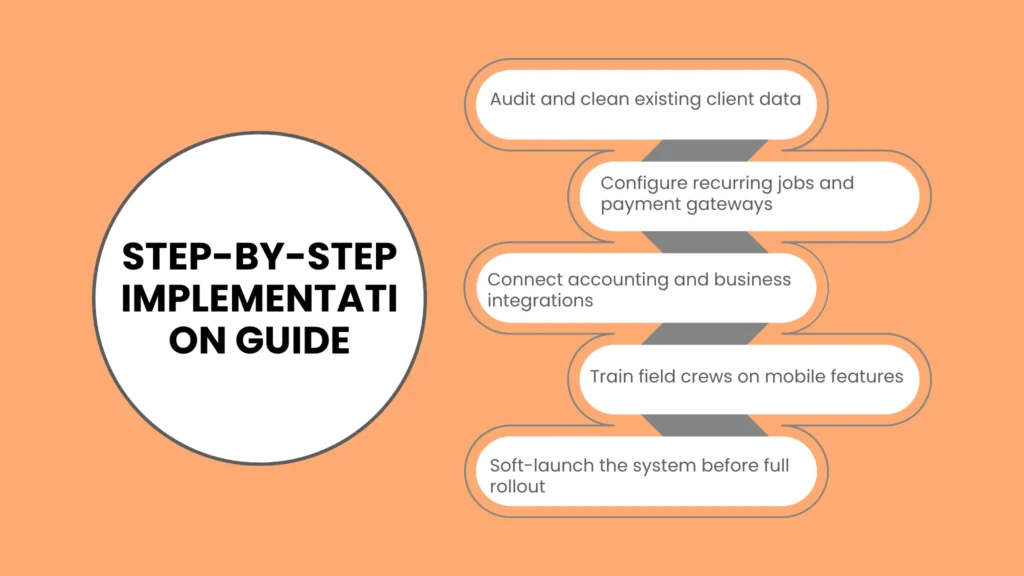
Step-by-Step Implementation Guide
Transitioning your entire business to a new software system can feel intimidating. Following a structured implementation process minimizes operational disruption and ensures high adoption rates among your staff.
Phase 1: Audit and Data Cleanup
Before importing records into a new software platform, review your existing client database. Remove inactive accounts, verify home addresses, update phone numbers, and consolidate special property instructions. Cleaning up your data beforehand prevents clutter in your new system.
Phase 2: Software Setup and Integration
Configure your core business settings:
Input standard service packages, add-on pricing (e.g., inside oven, inside fridge), and estimated labor hours.
Connect your payment processing gateway (such as Stripe or Chase) to enable card-on-file billing.
Link your accounting tools to ensure seamless daily transaction syncs.
Phase 3: Field Crew Training
Your software implementation is only as successful as your field crew’s willingness to use it. Run dedicated training sessions to show cleaners how to:
View daily job rosters and navigate to properties using built-in GPS integrations.
Complete digital checklists and upload required before-and-after photos.
Clock in and out of jobs accurately to track labor hours.
Phase 4: Client Onboarding and Soft Launch
Announce the upgrade to your clients via email. Highlight the benefits they will experience, such as automated text updates, easy online credit card payments, and access to a self-service client portal. Consider running the new software alongside your old method for one week to catch any configuration errors before going entirely digital.
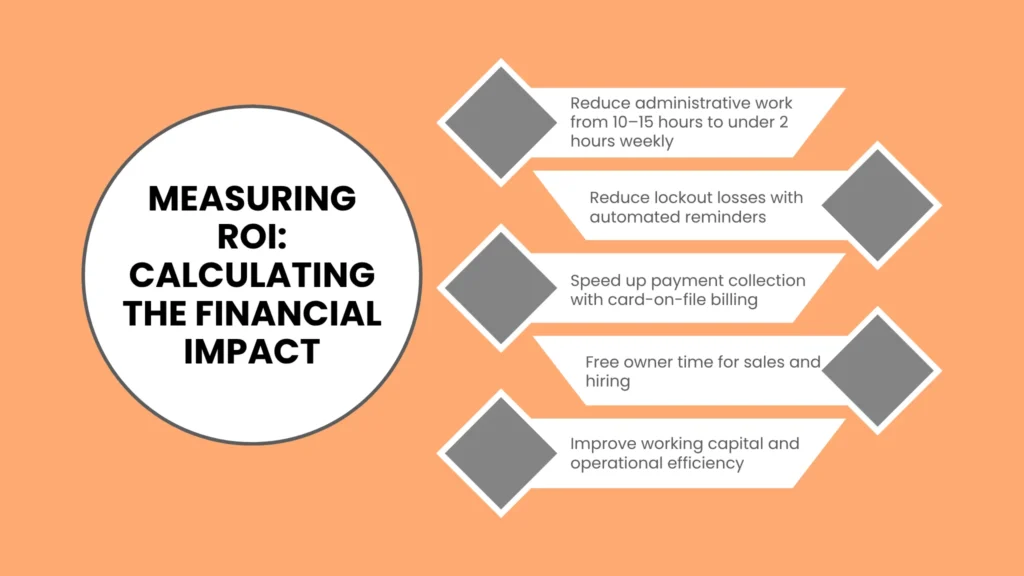
Measuring ROI: Calculating the Financial Impact
Investing in specialized software introduces a monthly subscription cost, but the return on investment (ROI) typically pays for itself within the first few weeks of operation.
Hours Saved on Administrative Tasks
Manual scheduling, route creation, and invoicing usually consume 10 to 15 hours per week for an owner-operator. Automating these processes reduces administrative work to under 2 hours per week, freeing up time to focus on sales, hiring, and business development.
Elimination of Lockout Losses
A single missed appointment or lockout can cost a business $100 to $200 in lost revenue and wasted cleaner wages. Automated pre-service SMS reminders reduce lockouts by up to 80%, directly protecting your bottom line.
Faster Payment Collection
Businesses relying on paper invoices often experience payment delays of 30 days or more. Switching to automated card-on-file processing reduces payment collection time from weeks to seconds, providing steady working capital to cover payroll and supply costs comfortably.
Final Thoughts: Taking Action to Scale Your Cleaning Business
Continuing to run a growing cleaning company with manual tools limits your potential, drains your time, and creates operational bottlenecks that negatively impact the customer experience. Investing in robust cleaning business software establishes a reliable digital foundation that streamlines daily dispatching, protects cash flow through automated billing, and enforces service quality across every crew.
Take action today: identify the primary administrative headache in your business, request free trial accounts from two or three top platforms listed in this guide, and test them with your team to find the perfect operational fit. To explore more step-by-step guides, operational frameworks, and business growth strategies, visit reliablestartup.
Frequently Asked Questions
What is the best software for a brand-new, solo cleaning business?
For a solo operator or micro-crew, platform simplicity and low cost are top priorities. Tools like ZenMaid or Jobber offer affordable entry-level tiers that handle basic recurring scheduling, client record management, and card payment processing without overwhelming you with complex features.
How does cleaning management software improve team accountability?
Field apps require cleaners to clock in via GPS-verified locations, ensuring they are physically present at the job site. Furthermore, digital room-by-room checklists and mandatory photo uploads ensure cleaners meet your exact quality standards before marking a job complete.
Can cleaning scheduling software handle complex recurring schedules?
Yes. Modern cleaning scheduling platforms are built specifically to accommodate non-standard recurring schedules, such as every three weeks, alternating days, or custom monthly rotations. The software projects these dates automatically and flags scheduling conflicts before they occur.
Is my client data safe when using cloud-based software platforms?
Reputable cleaning software providers use enterprise-grade encryption (SSL/TLS) to protect data both in transit and at rest. Payment details are processed using PCI-compliant integrations, meaning credit card details are securely stored by authorized payment processors rather than held on your local computers.