Is SaaS Accounting Software Worth It for Small Businesses? A Complete Guide
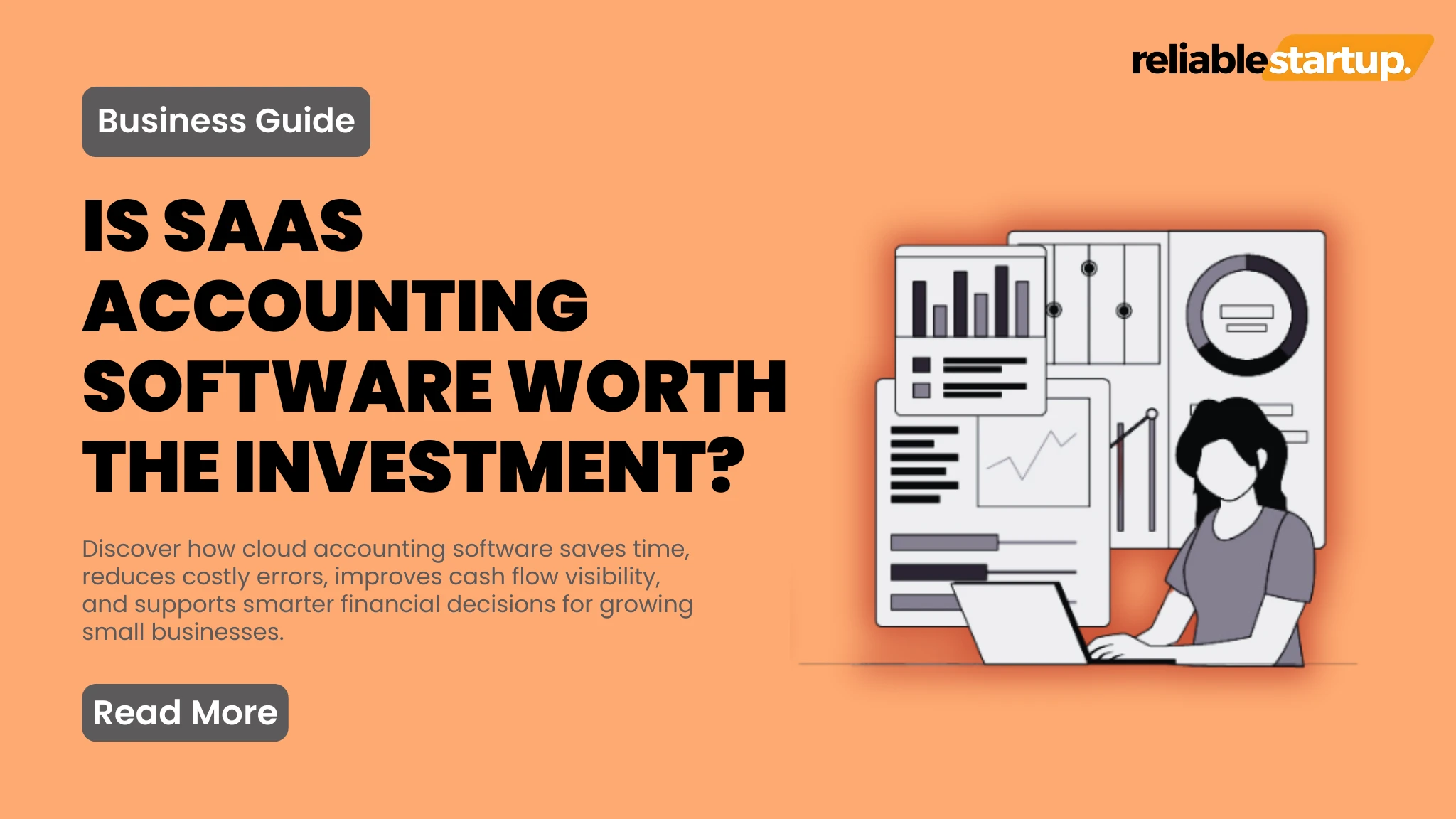
Running a small business forces you to wear multiple hats every single day. You are the marketer, the salesperson, the customer service rep, and inevitably, the accountant. But as your business grows, tracking every single dollar on a messy spreadsheet becomes impossible. This is where modern financial tools come into play. If you are wondering whether investing in cloud tools makes sense, you are in the right place.
Is saas accounting software for small business worth it? Yes, absolutely. For the vast majority of small businesses, cloud-based accounting software is worth the investment because it automates tedious bookkeeping, reduces costly tax mistakes, and provides real-time financial tracking that saves hundreds of hours each year.
Let us break down exactly how these tools impact your bottom line, what they cost, and how to choose the right platform for your operational needs.
What is SaaS Accounting Software?
SaaS stands for Software as a Service. Instead of buying a physical CD-ROM or downloading a massive program onto one specific computer, you access the software over the internet. Your data is stored securely in the cloud, meaning you can check your cash flow from your phone, laptop, or tablet anywhere in the world.
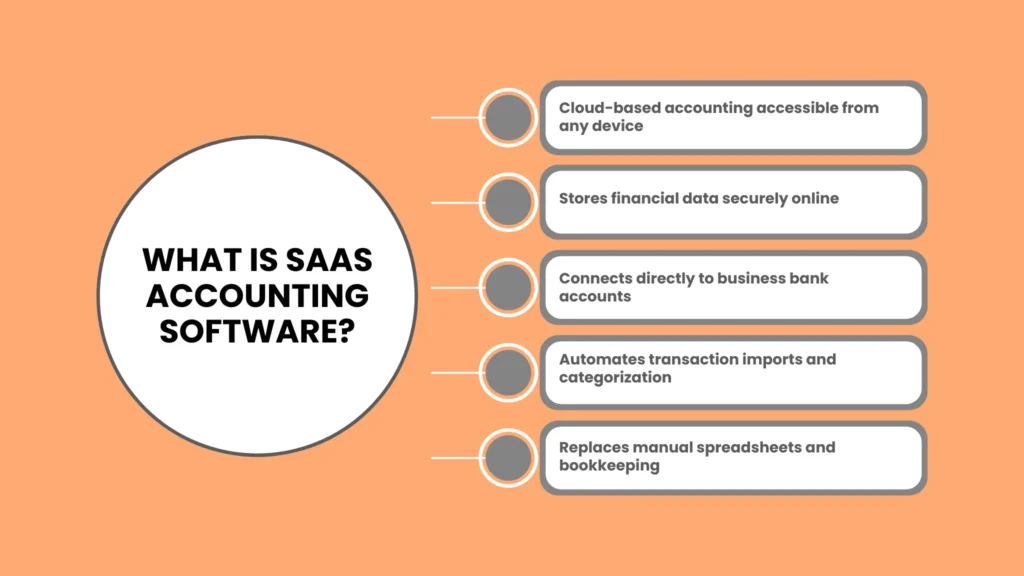
For a growing company, these platforms replace traditional, manual bookkeeping. They connect directly to your business bank accounts, automatically pull in transaction data, and categorize your expenses using smart automation.
Is SaaS Accounting Software for Small Business Profitable?
Every expense in a business needs to justify itself. You need to know: is saas accounting software for small business profitable to implement?
To answer this, you have to look beyond the monthly subscription price. The profitability of software comes from the hours it wins back for your business. Think about the time you spend manually matching receipts, typing out invoices, and calculating sales tax.
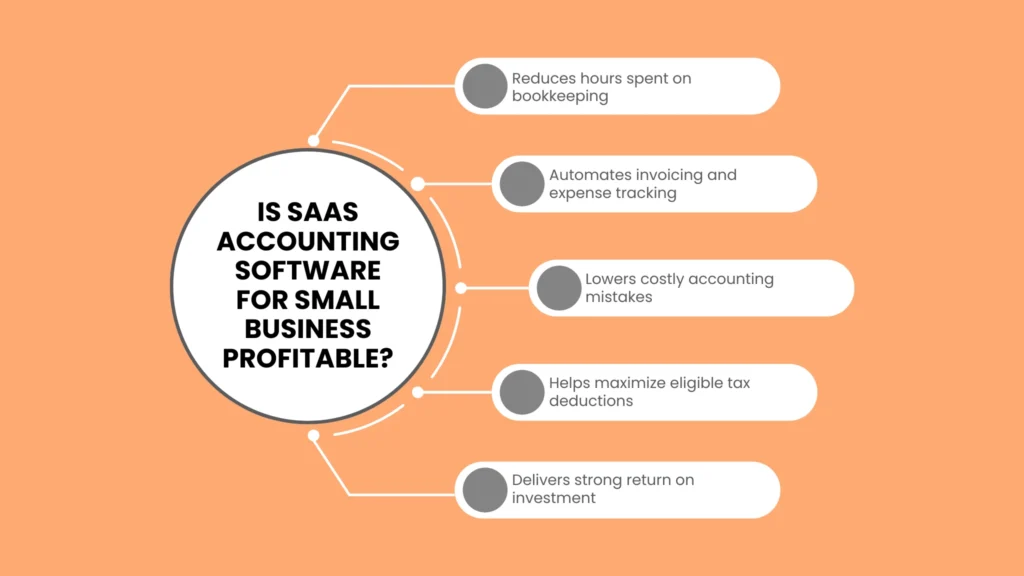
If you value your time at 50 dollars per hour, spending five hours a month on manual bookkeeping costs you 250 dollars in lost productivity. A software subscription that costs 30 dollars a month and cuts that work down to 30 minutes yields an immediate positive return on investment.
Furthermore, having accurate financial data prevents costly mistakes. Missing out on tax deductions because you lost a paper receipt directly reduces your net profit. Cloud accounting keeps your records pristine, ensuring you claim every legal deduction during tax season.
Impact on the SaaS Accounting Software for Small Business Profit Margin
Using cloud tools has a direct, positive impact on your saas accounting software for small business profit margin by reducing operational friction and identifying waste.
When your books are updated automatically, you gain access to instant financial reports. You can run a profit and loss statement with a single click. This visibility allows you to see exactly where your revenue is going.
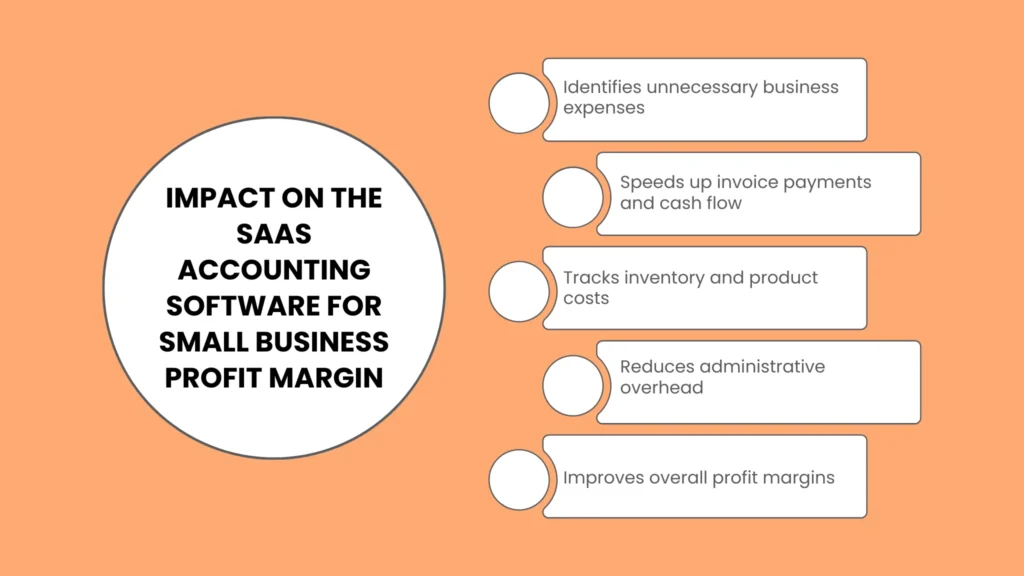
Expense Tracking: Instantly spot zombie subscriptions or rising vendor costs that eat into your margins.
Faster Invoicing: Send automated invoice reminders to clients, which speeds up your cash collection cycle and keeps your cash flow healthy.
Inventory Control: Many modern tools track your cost of goods sold in real time, helping you price your products perfectly to protect your margins.
By streamlining these processes, you lower your administrative overhead costs. Lower overhead means your gross profit margins translate more effectively into higher net profit margins.
Breakdown of SaaS Accounting Software for Small Business Cost
Budgeting for software requires understanding the different pricing tiers available on the market today. The saas accounting software for small business cost generally scales based on the size of your team, the number of clients you invoice, and the advanced features you require.
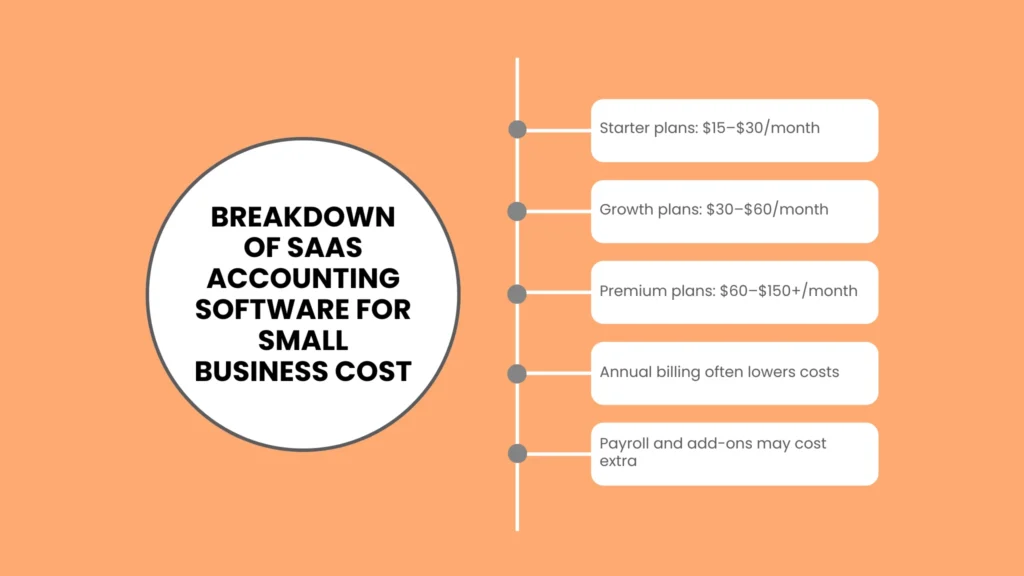
Here is an estimated pricing breakdown based on current market data for typical software tiers:
| Software Tier | Estimated Monthly Cost | Target Business Type | Key Features Included |
| Starter / Entry Level | $15 to $30 | Freelancers and Solopreneurs | Basic income and expense tracking, invoicing limits, single-user access. |
| Growth / Standard | $30 to $60 | Growing Teams | Unlimited invoicing, bill management, multi-currency support, up to 3 or 5 users. |
| Advanced / Premium | $60 to $150+ | Established Small Businesses | Advanced reporting, inventory tracking, project profitability tools, dedicated support. |
Most providers offer a slight discount if you choose to pay annually rather than monthly. Keep in mind that add-ons like integrated payroll processing or advanced payment gateways usually incur extra monthly fees.
Core SaaS Accounting Software for Small Business Requirements
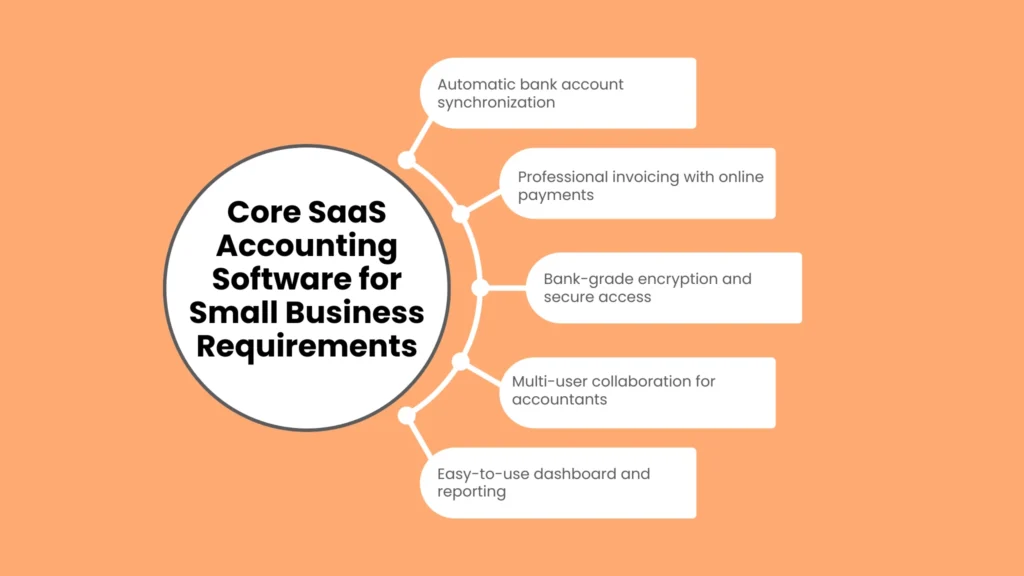
Before you enter your credit card information, you need to understand your specific operational needs. The baseline saas accounting software for small business requirements will vary depending on your industry, but every good platform must check a few non-negotiable boxes.
Automatic Bank Feeds
The software must securely connect to your business checking accounts and credit cards. Manually importing CSV files of your bank statements is an outdated chore that invites data entry errors.
User-Friendly Invoicing
Your platform should allow you to customize professional invoices, email them directly to clients, and accept digital payments like credit cards or bank transfers instantly.
Robust Data Security
Because you are handling sensitive financial information, the software must use bank-grade encryption. Look for platforms that offer multi-factor authentication to protect your account from unauthorized access.
Multi-User Collaboration
Your accountant or bookkeeper will need access to your financial data. Your software should allow you to invite external professionals to view or edit your books without forcing you to share your primary login credentials.
The Best SaaS Accounting Tools for Small Businesses
Choosing a platform can feel overwhelming because there are dozens of options available. To make your search easier, here is a look at the best saas accounting tools preferred by small business owners globally.
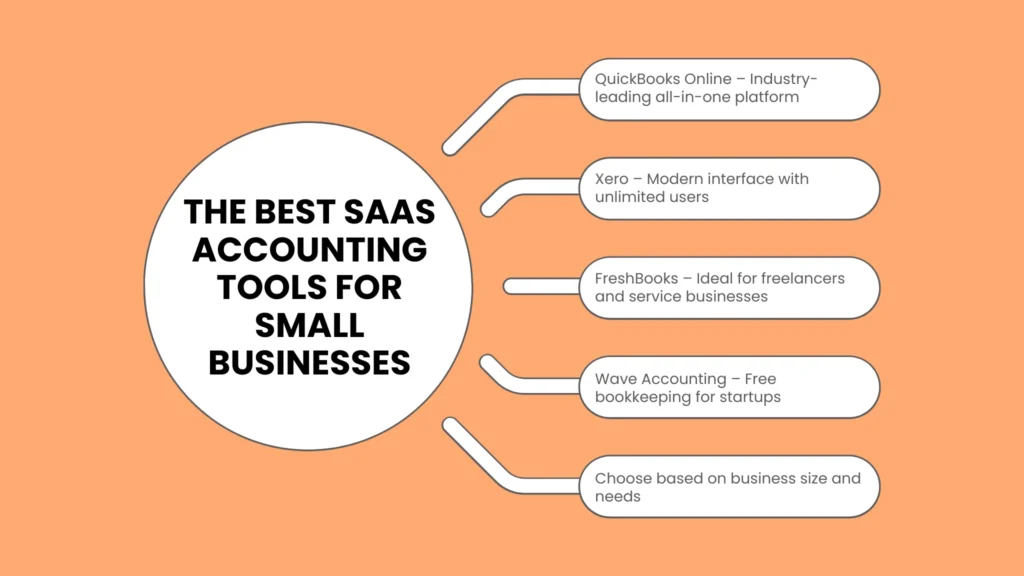
QuickBooks Online: The undisputed industry standard. It is highly scalable, features an massive ecosystem of third-party app integrations, and almost every professional accountant knows how to use it.
Xero: A powerful, beautifully designed alternative to QuickBooks. Xero is known for its clean user interface, excellent double-entry accounting features, and unlimited user permissions on its standard plans.
FreshBooks: Built specifically with service-based businesses and freelancers in mind. It excels at time tracking, project management budgeting, and incredibly simple invoicing workflows.
Wave Accounting: A fantastic budget-friendly option. Wave offers free basic bookkeeping and invoicing features, making its money instead through payment processing fees and optional payroll add-ons.
Key Benefits of Making the Switch
If you are still on the fence about moving away from paper receipts and spreadsheets, consider these massive operational benefits.
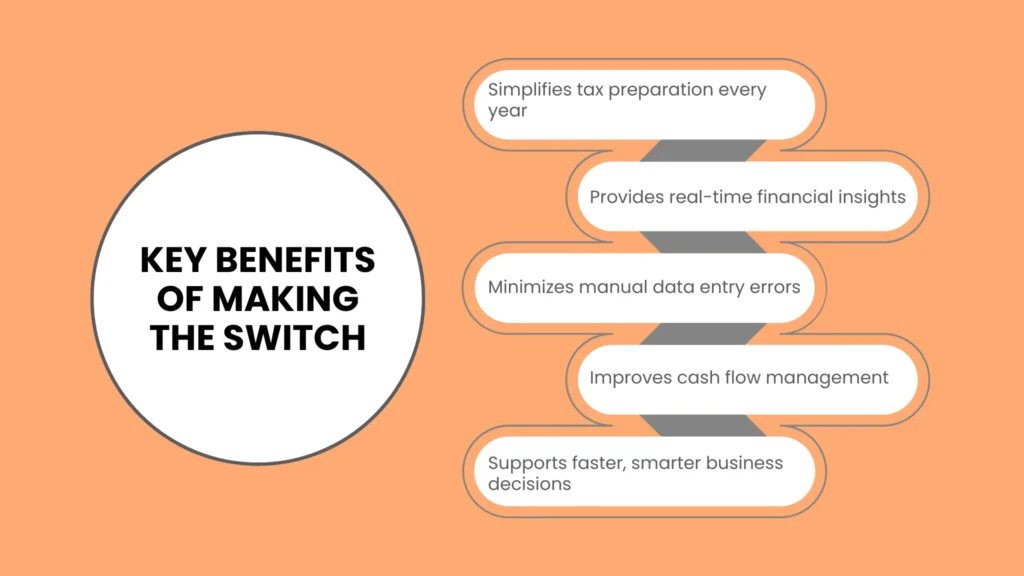
1. Tax Season Becomes Stress-Free
Instead of spending the entire month of April hunting down lost invoices and frantically categorizing old transactions, you simply export a clean ledger for your CPA. This saves you significant money on professional accounting fees, as CPAs charge less when your data is organized.
2. Real-Time Financial Decision Making
Waiting until the end of the year to see if you made a profit is incredibly dangerous. Cloud software gives you a live dashboard of your financial health, allowing you to make smart hiring or purchasing decisions on the fly.
3. Fewer Human Errors
Manual data entry inherently leads to mistakes. A misplaced decimal point in a spreadsheet can throw off your calculations completely. Automation minimizes these risks by pulling data directly from the source.
Final Verdict: Is it Worth It?
Investing in cloud financial tools is no longer a luxury reserved for massive corporations. For any small business looking to scale, automate operations, and maintain compliance, the return on investment is immediate and substantial. The time saved, errors prevented, and financial clarity gained far outweigh the monthly subscription cost.
When you are ready to launch, optimize, or scale your operations, having the right systems in place changes everything. For more practical guides on growing a sustainable enterprise, managing cash flow, and building a solid corporate foundation, visit our resource hub over at reliablestartup.
Frequently Asked Questions
Do I still need a human accountant if I buy accounting software?
Yes, you generally still need an accountant. While the software handles day-to-day bookkeeping, data entry, and categorization, a human CPA provides strategic tax planning advice, audit protection, and complex financial analysis that software cannot replicate.
Can I run my business accounting on a free spreadsheet?
You can use a spreadsheet when you are first starting out with zero budget. However, as your transaction volume grows, manual spreadsheets become highly vulnerable to human error, lack automation, and do not scale well, which ultimately costs you more time and money.
How secure is my financial data in the cloud?
Major cloud accounting providers use bank-grade security protocols. This includes multi-factor authentication, advanced data encryption, and automatic off-site backups. Your financial data is typically much safer in the cloud than it is stored on a local computer hard drive that could crash or be stolen.
What is the easiest accounting software for a complete beginner?
FreshBooks and Wave are widely considered the easiest options for true beginners. They feature intuitive user interfaces, avoid complex accounting jargon, and focus heavily on simple invoicing and straightforward expense tracking.
About The Author