What Is Azure AI Studio: A Clear Guide for Beginners

Azure AI Studio is the former name of Microsoft’s AI development environment, now known as Microsoft Foundry. If you are a developer, business owner, or curious customer, the name can make it hard to know where to begin. The platform has changed, and older tutorials may use terms you no longer see in the portal.
This guide focuses on what a beginner can build, how the current platform fits into Microsoft Azure, and how to choose a first step. You will see common projects, the main tools, and questions to consider before building an application. The goal is a clear path to get started, not a deep technical manual.
Key Takeaways
- Microsoft Foundry is the current name for the former AI development environment.
- Use it to build and test AI applications, agents, and workflows.
- Choose Copilot Studio for low-code agents tied to Microsoft 365.
- Choose Foundry when developers need more control over models and code.
- An Azure subscription is required to build agents.
You can still use the old name to find guidance, but check that instructions match the current Foundry experience.
What Is Azure AI Studio Today?
If you encounter Azure Foundry today, it refers to Microsoft Foundry, Microsoft’s platform for building and managing AI solutions on Azure. It brings together models and development services for applications and agents, so teams can build, test, and run AI projects in one place. For AI work, it is a platform within Microsoft Azure, not a separate cloud.
Microsoft Foundry provides access to more than 11,000 foundation, open, reasoning, multimodal, and industry-specific models. You can use these models in customer-facing applications or internal tools. The right choice depends on the task, your data, and the way you plan to deploy the application.

Azure is the cloud environment; Microsoft Foundry is an AI development platform within that cloud.
The distinction helps when you plan a project. Microsoft Azure includes cloud services for computing, storage, identity, and networking. Foundry focuses on AI development, bringing model access and tools for building AI products together.
That relationship also explains why an Azure subscription matters. Your AI project runs within the broader cloud environment, while Foundry provides the workbench for AI development. Different services can have different setup steps and costs.
People who say “Azure Foundry” usually mean the current Microsoft platform, rather than a separate product. The phrase “Azure studio” may also point to older instructions or tutorials. Think of Azure as the cloud environment and Foundry as one place to build AI solutions within it.
How Did Azure AI Studio Become Microsoft Foundry?
The names mark successive versions of the same product lineage, not three unrelated platforms. The short timeline runs from Azure AI Studio to Azure AI Foundry and then Microsoft Foundry. Each name reflects a stage in Microsoft’s AI development platform, while Azure remains the broader cloud platform.
The underlying Azure resource type remains Microsoft.CognitiveServices/accounts. That detail matters when you work with existing Azure resources or older code. The name shown in the product experience can change without changing that resource type.

Azure AI Studio vs. Azure AI Foundry
Azure AI Studio was an earlier name for the development environment. Microsoft later called it Azure AI Foundry, before adopting Microsoft Foundry as the current name. So Azure AI Studio vs. Azure AI Foundry describes two names in one product history, not separate platforms.
Older Azure AI Studio material may describe Prompt flow, a visual workflow tool for building and testing prompt-based AI flows. It integrated with LangChain and Semantic Kernel. That feature belongs to earlier guidance, so do not assume it is the current default in Foundry.
Microsoft announced the current name at Microsoft Ignite on November 18, 2025. The name took effect January 1, 2026. The platform’s name is also distinct from Azure OpenAI Service, which provides access to OpenAI models through Azure services.
What Changed in the Current Name and APIs?
Some older API and code paths have announced retirement dates. The Assistants API sunsets on August 26, 2026, and Microsoft directs users to move those workloads to Foundry Agent Service.
The azure-ai-inference package also retires on August 26, 2026. Microsoft recommends moving to the openai package. These dates matter if you maintain an app built with older Azure OpenAI or Azure services guidance.
Before copying older code, check whether it uses the Assistants API or azure-ai-inference package and plan the stated migration.
What Can You Build With the Platform?
A support chatbot is only one possible project: the same platform can support document search, custom applications, and specialized agents. Start with a task your team repeats, then decide whether a model, a RAG-based application, or an agent can help. Developers can also build custom or fine-tuned models for a specific need.
Common projects include customer support, internal search, and custom web or mobile apps. Some applications use Azure AI Search to retrieve useful information. Others combine models and agents into more complex workflows, including multi-agent orchestration.
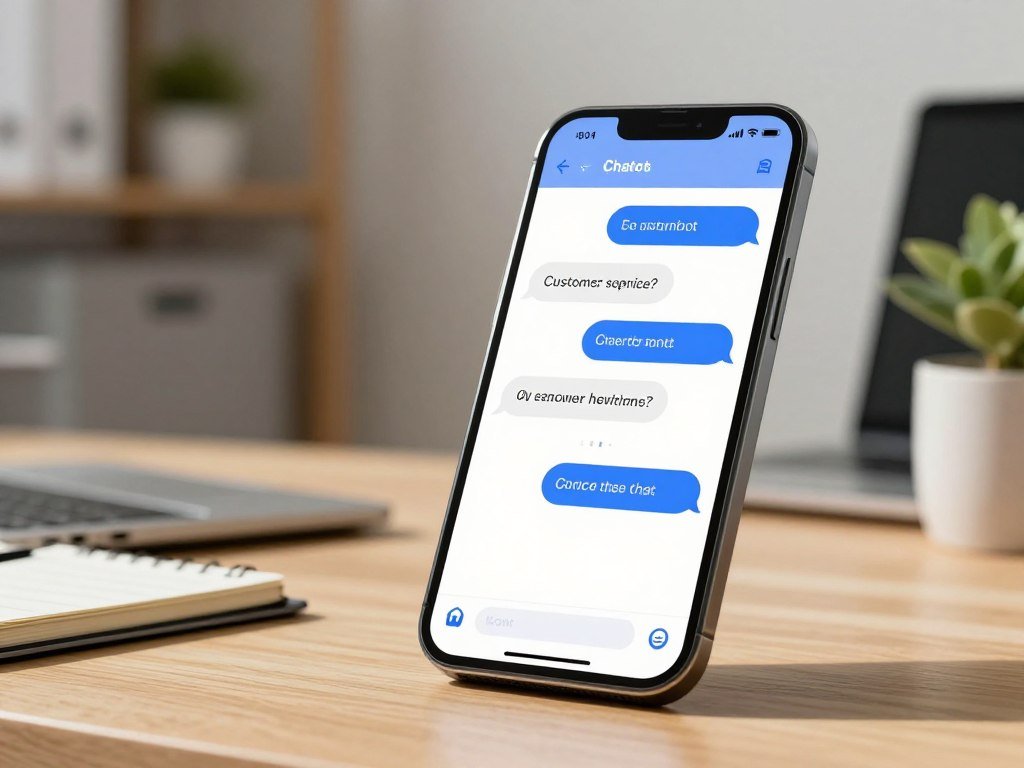
Examples from organizations show the range of tasks these systems can handle. They are illustrations, not endorsements or a promise that every project will deliver the same results.
- A customer-support chatbot can handle common questions and route harder cases.
- An internal document assistant can help staff search policies, manuals, and reports.
- A tax-filing helper can answer questions as a customer completes forms.
- An analytical application can find patterns or support predictions from data.
- A multilingual service can hold conversations in more than one language.
Vodafone’s TOBi handles nearly 45 million customer calls a month and fully resolves 70% of them. The company reports that TOBi has reduced call times by at least one minute on average. Vodafone also uses SuperAgent to summarize call transcripts for human agents in its customer relationship management system.
H&R Block’s AI Tax Assist helps customers during tax filing. It answers questions about forms, deductions, credits, and how to navigate the filing process. That role is narrower than replacing a tax professional; it helps users move through a task with support.
SwecoGPT supports document creation and analysis, advanced search, and translation. IWill GITA is a Hindi-speaking mental health chatbot. These examples show why teams should define the task before choosing a model or building an application.
If you are weighing business concepts, explore these AI and SaaS startup ideas for examples of recurring work that applications can address. Start with one repeated task and define what a useful answer or action should look like.
Which Models, Agents, and Tools Are Included?
The practical choice is whether you want Microsoft to host a prompt-based agent or want to run your own code in a managed container. That choice shapes how much code you write and how the agent runs. Foundry includes models, agents, tools, search, machine learning, governance, and local development options.
Prompt agents run on Microsoft’s service, while hosted agents run your code in managed containers. Both can connect to tools, but hosted agents give developers control over their own code and runtime.
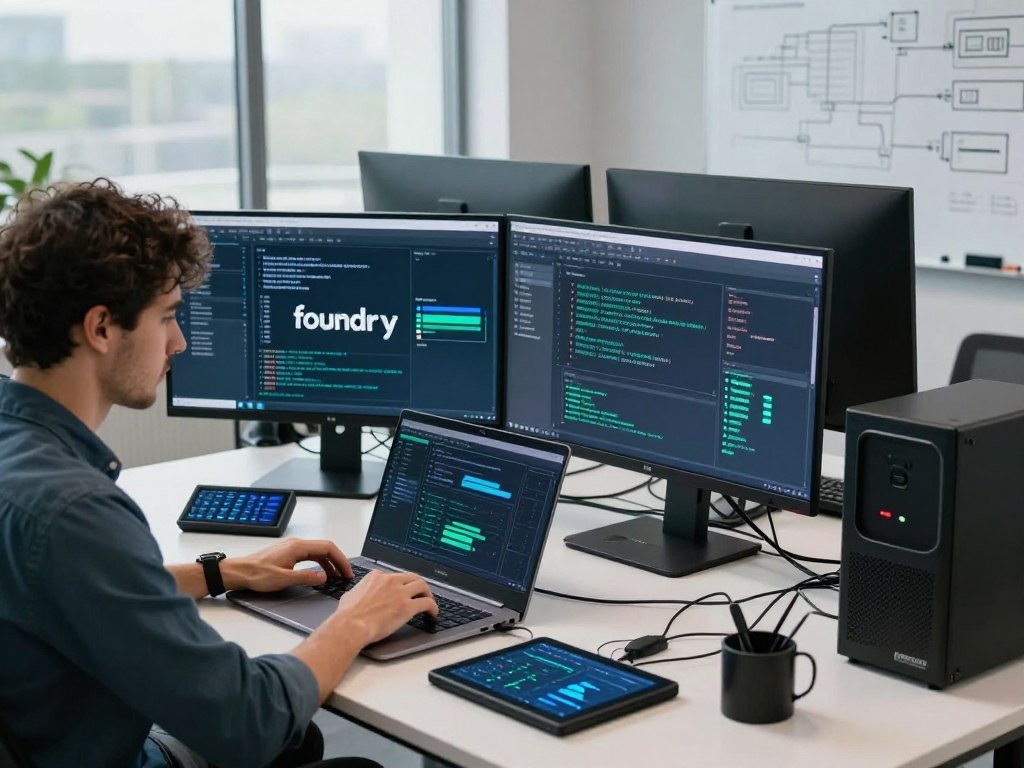
Choosing Between Prompt and Hosted Agents
A prompt agent uses instructions, a chosen model, and attached tools. Microsoft hosts and runs it, so you can focus on its task and behavior. Voice-based prompt agents add voice interaction for spoken requests and replies.
A hosted agent runs customer code in containers through a managed endpoint. The service handles scaling, identity, and observability, which helps a team track how its agent runs. This option suits projects that need custom code beyond instructions and attached tools.
What the Other Foundry Components Do
Foundry Models gives you access to models for different tasks. Foundry IQ uses Azure AI Search to retrieve information across sources. Azure Machine Learning supports machine learning work, including training and deployment.
Foundry Control Plane brings controls for managing AI resources together. Foundry Local supports AI models and capabilities on devices and at the edge. Foundry Tools provides APIs for tasks such as optical character recognition, translation, and speech.
| Component | Role | Example capability |
|---|---|---|
| Foundry Models | Model access | Choose a model for a task |
| Foundry Agent Service | Agent hosting | Run prompt or hosted agents |
| Foundry Tools | Task-focused APIs | OCR, translation, and speech |
| Foundry Local | Local and edge AI | Run AI on a device |
How Tools Connect to Agents
Tools let an agent do more than generate text. An OCR tool can read text in an image, while speech tools can turn spoken words into text or voice. Translation tools can help an application work across languages.
MCP servers offer a way to bring tools into the platform. An agent can use an attached tool when its instructions and setup allow it. For example, a document assistant might call OCR to read a scanned form, then use a model to answer a question about it.
Teams can also explore separate AI marketing tools for writing, design, or workflow tasks. Choose a hosted agent when your project needs custom code, while a prompt agent fits instructions, a model, and attached tools.
What Do You Need to Get Started?
You need an Azure subscription to start building agents, even though exploring the platform itself is free. Free exploration lets you learn the portal and assess its options, but it does not make every service free to run. Developers can start in the portal or use supported development tools.
Features and services are billed at their individual rates, each with its own billing model and price. Check each service’s costs before running billable resources. You do not need a machine learning background to try a basic model or agent, though coding can help with custom applications.
- Confirm that you can use an Azure subscription.
- Open the Microsoft Foundry portal and review its options.
- Choose the portal or a supported software development kit.
- Try a model or a simple agent with a small task.
- Check the service’s billing model before using paid resources.
The portal offers a direct way to explore without first setting up a code project. Developers can also use SDKs for Python, C#, JavaScript, or Java. These routes suit teams that want to connect models with an existing application.
The Azure Developer CLI and Visual Studio Code provide other paths into development. You can use them to manage code and build projects alongside Azure services. A small experiment helps you learn how the model responds before you add more parts.
If you are comparing software for work, this guide to AI tools can help you think about task fit and output quality. Check the billing model for every service you plan to use before moving from exploration to a running project.
How Do Model Selection and Data Grounding Work?
A model that performs well on one task may not be the right choice for another, so test it against the work you need done. Task fit matters more than a model’s name or general reputation. Microsoft Foundry’s catalog includes models from OpenAI, Meta, Mistral, Hugging Face, Cohere, Nixtla, and G42 Jais.
Compare model behavior on your actual task before you build around one choice. A large language model may write clearly but still miss facts or follow a narrow format poorly. Your tests should reflect the answers or actions your application needs.
Compare Models Before You Build
Start by checking what each model can do and where it has limits. Model cards describe capabilities and limitations. Sample inferences let you try example inputs and see the style and quality of a model’s response.
Benchmarking can compare performance on a task using open-source datasets. Measures such as accuracy and fluency give you a structured way to review results. They do not replace tests with your own prompts, since your data and wording may differ.
Try questions that cover routine cases and difficult ones. Check whether the model follows instructions, handles the right language, and gives useful answers. If the application must produce a set format, test that format before choosing a model.
Ground Responses in Your Own Data
Retrieval-augmented generation (RAG) is a method that retrieves relevant information from selected data sources to ground a model’s response. Rather than relying only on its general training, an application can retrieve material tied to your organization’s files or knowledge base.
Foundry IQ uses Azure AI Search and offers a cross-source API with an agentic RAG engine. It can retrieve relevant material across sources for an agent or application. The model then uses that material to form a response.
A retrieval-grounded answer is based on material the system found for the request. A general model response draws on what the model learned during training. Grounding can help answer questions about company policies, but it cannot make an outdated file current.
Review the retrieved passages as well as the final answer during tests. A relevant answer needs the right material, not just fluent wording. For a separate creative task, see this guide to an AI image generator and its model choices. Verify that retrieved material is relevant and current before relying on a model’s answer.
What Governance and Safety Controls Are Available?
Foundry’s governance model brings access control, networking, and policies together at the Azure resource level. That shared control point can help teams manage agents, models, and tools under one resource. Organizations can apply role-based access control to decide who can use or manage parts of a project.
Safety filters can help manage harmful content, but they do not guarantee correct answers. Foundry includes configurable Azure AI Content Safety filters. Teams still need to assess outputs for accuracy, fit, and risk before release.
Feature status and region support also affect what a team can deploy. The current portal lists more than 1,400 tools, and individual tools are generally available or in preview. A preview feature may change and should not be treated as a settled production choice.
- Set access and roles so each person has the right level of control.
- Define data and network boundaries for the application.
- Check whether each feature is generally available or in preview.
- Confirm your deployment region supports the required services.
- Evaluate answers and actions before release.
Hosted agents, publishing agents to Microsoft 365 or Teams, the Responses API, and Agents v2 are generally available. Multi-agent workflows and agent memory are in preview. A2A v1.0 is generally available, while A2A v0.3 is in preview.
Availability varies by Azure region for the Responses API and Foundry Agent Service. In a region that does not support them, the current portal cannot create or run agents. Confirm that your target region supports the Responses API and Foundry Agent Service before building an agent there.
Microsoft Foundry vs. Copilot Studio: Which Should You Choose?
Choose Copilot Studio for a low-code agent closely tied to Microsoft 365, and choose Foundry when developers need deeper control of the AI stack. The main difference is how much of the AI system your team needs to shape. Both can support useful customer and employee experiences.
Copilot Studio suits low-code agent building, while Foundry suits developer-led AI projects. The right choice depends on the users, the application, and the level of control your development team needs.
When Copilot Studio Is the Better Fit
Copilot Studio is a low-code agent builder with built-in Microsoft 365 integration. It connects with Microsoft services, connectors, and Power Platform capabilities. Its governance features can suit teams that want to create agents without building every part of the application in code.
It can be a practical choice when users need a simple agent inside familiar work tools. A team can focus on the conversation and business process rather than managing a custom model stack. That approach fits common workflows that use standard connectors.
When Microsoft Foundry Is the Better Fit
Microsoft Foundry is a better fit for professional developers who need deeper control over models, orchestration, deployment, and the AI stack. Teams can use it for custom models, advanced RAG applications, custom apps, and complex agent orchestration.
Foundry can also sit behind a Copilot Studio experience. For example, a customer or employee could use an agent in Teams or Microsoft 365, while Foundry supplies advanced AI capabilities behind that interface.
| Comparison point | Copilot Studio | Microsoft Foundry |
|---|---|---|
| Intended user | Low-code builder | Professional developer |
| Development approach | Visual, low-code agent building | Code and AI development tools |
| Integration or control | Microsoft 365 and Power Platform | Deeper model and orchestration control |
| Suitable scenario | Teams workplace assistant | Custom AI application or agent system |
Organizations do not have to treat the products as rivals. A familiar Microsoft 365 front end can make an agent easier to reach, while a custom service handles specialized model work behind it. If users need a familiar Microsoft 365 front end and the application needs custom AI behind it, the two products can work together.
Microsoft Foundry vs. AWS: How Do They Compare?
If your organization already runs on one cloud, its identity, networking, and developer setup can make that platform the simpler place to start. Existing skills count because the team needs to build and maintain the application. Microsoft Foundry runs on Microsoft Azure, while AWS offers AI services through Amazon Bedrock.
Choose the cloud that best fits your current systems and the models your project needs. AWS Bedrock offers a standardized InvokeModel API for foundation models, including Anthropic Claude, Meta Llama, and Amazon Titan. Microsoft Azure offers access to models through its AI platform and Azure OpenAI Service.
Both providers offer ways to pay as you use AI and ways to reserve capacity. AWS Bedrock has on-demand and provisioned-throughput consumption models. Azure AI has pay-as-you-go pricing and a provisioned-throughput-unit model.
| Comparison point | Microsoft Azure | AWS |
|---|---|---|
| Q2 2026 cloud infrastructure share | 20% | 28% |
| Named model examples | OpenAI models through Azure OpenAI Service | Claude, Llama, and Amazon Titan |
| Consumption options | Pay-as-you-go, provisioned-throughput units | On-demand, provisioned throughput |
In Q2 2026, Google Cloud held 15% of the global cloud infrastructure services market. AWS held 28%, and Microsoft held 20%. These shares describe cloud infrastructure services, not AI platform quality or future growth.
For a team already using Microsoft identity and Azure services, Foundry may fit the existing setup. A team with AWS skills and applications may find Bedrock easier to connect with. Model fit, access rules, and how the service consumes capacity also shape the choice.
Market share describes cloud infrastructure use, not which AI platform will work best for your application.
Treat market share as context, not as a reason by itself to move an AI workload.
Conclusion
Azure AI Studio is now Microsoft Foundry, but the best starting point still depends on the job you need the AI to do. Copilot Studio fits low-code agents tied to Microsoft 365. Foundry gives developers more control over models and application design.
Keep the first test small and focused. A clear task makes it easier to judge whether the answer saves time or improves a customer experience. You can learn from a simple experiment before expanding it into a larger application.
Write down one task to improve, then check the required service, region, and billing before building a small test.
FAQ
What is AI Studio and what are its features?
Microsoft Foundry is the current name for the AI development platform once called Azure AI Studio. It gives developers access to models, agents, and tools for building and testing applications. You can use it to explore model responses, connect tools, and create an agent for a task. The best starting feature depends on what your application needs to do.
When to use AI Foundry vs Copilot Studio?
Use Copilot Studio for low-code agents that connect closely with Microsoft 365, Teams, connectors, and Power Platform. Choose Microsoft Foundry when developers need deeper control over models, orchestration, deployment, or a custom application. The products can work together: Copilot Studio can provide the user-facing experience, while Foundry supports advanced AI behind it.
Is Azure or AWS better for AI?
Choose the cloud that fits your current systems, team skills, and model needs. AWS Bedrock offers the standardized InvokeModel API and on-demand or provisioned-throughput options. Azure AI offers pay-as-you-go pricing and provisioned-throughput units. Compare how each service connects to your identity and data, then test the models against your real task before choosing.
Is Azure going to overtake AWS?
No reliable forecast follows from market-share figures alone. In Q2 2026, AWS held 28% of the global cloud infrastructure services market, while Microsoft held 20%. Those figures describe cloud infrastructure services during that period, not AI quality or future growth. Your platform choice should rest on fit, skills, and the needs of the application.
Do you need an Azure subscription to use Microsoft Foundry?
Yes, you need an Azure subscription before building agents. You can explore the platform itself for free, but agent creation requires subscription access. Before starting a project, make sure you can use the subscription and understand which services your test will call. A small test can still use billable features, even when you are only learning.
Is Microsoft Foundry free to use?
Microsoft Foundry is free to explore, but individual features and services have their own billing models and prices. The cost depends on which service you use and how you use it. Reading about models or testing the portal is different from running a billable resource. Check each service’s pricing before using it in a live project.
About The Author