Best Digital Picture Frame: 10 Picks to Buy Today

A rotating family album can make favorite moments part of the room without printing every photo. For U.S. shoppers, the right frame depends on where it will sit and how people will share pictures. A shelf, desk, or broad living-room wall can call for a different size and orientation. The way photos reach the display matters, too. Some households want relatives to send new pictures from far away, while others prefer to keep files on the device.
This roundup covers 10 named models for different homes, photo habits, and budgets. It explains practical tradeoffs without assuming every household needs the same features. You can compare family sharing, portrait support, room fit, and storage before choosing. That makes it easier to match a frame to the people who will use it, not just the numbers on a product page. For a shelf where relatives will send new moments over Wi-Fi, Aura Carver Stone is a sensible place to start.
Key Takeaways
- Aura Carver Stone suits landscape shelves and simple family sharing.
- Check portrait support if your photos are mostly vertical.
- Compare display size with where people will view the frame.
- Choose between cloud storage, local storage, or both.
- Check recurring plan charges as well as the purchase price.
How to Choose the Best Digital Picture Frame
For a typical family shelf, start with a Wi-Fi frame that is easy to share to and large enough to see from the usual viewing spot. For that common use, Aura Carver Stone is a strong fit when the collection is mostly landscape. Start with daily use, then compare screen size, resolution, orientation, upload method, and storage.
Digital frames commonly use screens around 9-10 inches, and 720p or higher is a useful general resolution rule. Pixel density means the number of pixels packed into each inch of a display. A larger screen is not automatically sharper, since the same number of pixels spread over more area can look less fine. Check screen size and resolution together, rather than treating either number as a promise of clear detail.
| Check | What to look for | Why it matters |
|---|---|---|
| Screen size | About 9-10 inches | Match the room |
| Resolution | 720p or higher | Look for clear detail |
| Orientation | Landscape or portrait support | Match the photos |
| Sharing | App or email upload | Fit the people sending photos |
Choose orientation before screen size: a portrait-only collection needs a frame that supports portrait display.
A landscape shelf often suits a wide display, while a portrait photo collection needs a model that can show vertical images well. Carver Stone is landscape-only, so it is not the right pick for portrait-only photos that should fill the screen. Upload options matter for grandparents, siblings, and friends who may not want another app. Email sharing can be simpler for some relatives.
Storage affects what happens when Wi-Fi drops, and the next sections compare how models handle it. Keep the people who will send pictures in mind, too. A simple upload path is more useful than a feature that nobody uses. Check the frame’s orientation against the photos you take most often before choosing a screen size.
Is the Aura Carver Stone Collection right for a landscape display?
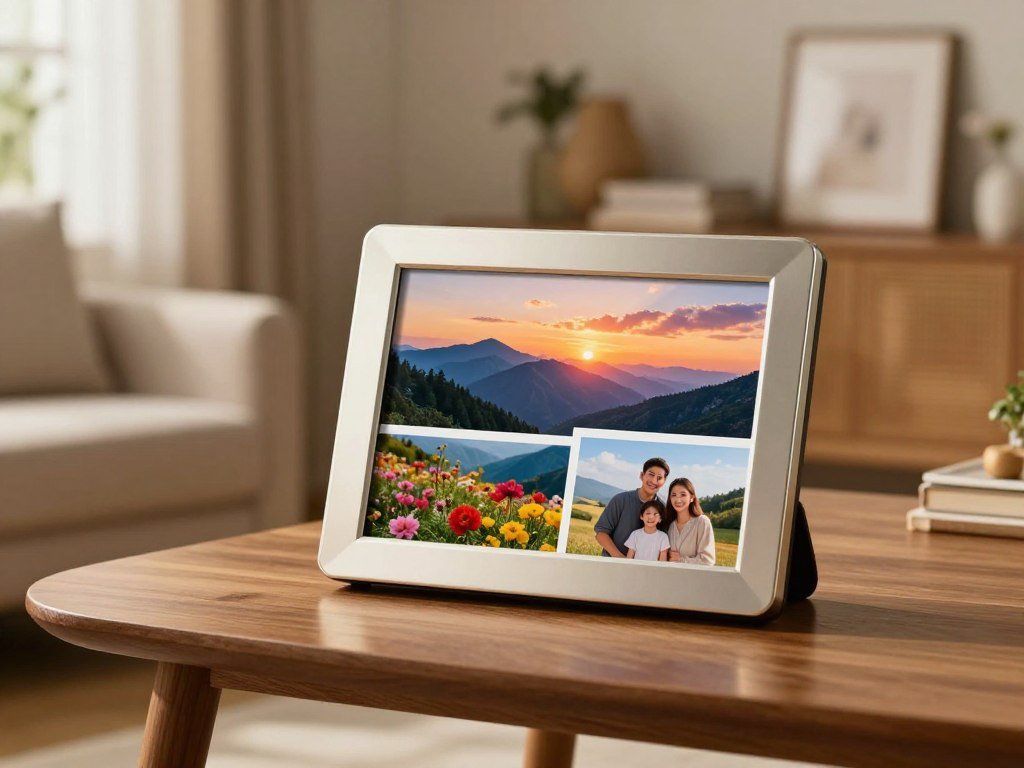
The Carver Stone suits a shelf where a landscape slideshow and easy family uploads matter more than portrait placement. The Carver Stone digital picture frame has a 10.1-inch Wi-Fi display with 1280 x 800 HD resolution. Its best fit is a shared family album, with instant photo and short-video sharing. Photo storage is unlimited with no additional fees.
Invited family members can send photos through the app, keeping new moments flowing into the slideshow. Short videos can add movement to the collection, rather than limiting the frame to still pictures. The 10.1-inch display fits a typical shelf or side table, where viewers can see updates as they pass. The app gives contributors a way to share from outside the home.

Carver Stone displays landscape images only. A portrait image may not fill the screen in the way you want, so a portrait-only placement is a poor fit. Its automatic display adjustments respond to room lighting, and the frame turns off in the dark. That can help it blend into a living space instead of glowing overnight.
A touch bar or buttons provide built-in controls, and Aura frames receive regular software updates. Those details support a simple setup for people who want to add pictures without managing a complicated device. The landscape format remains the main limit. Choose another model if portrait photos need to fill the screen without pairing or cropping.
Does the Aura Carver Smart fit a smaller spot?
A compact desk can make a 9.7-inch display a more comfortable fit than a larger screen. The Aura Carver Smart Digital Picture Frame has a 9.7-inch high-resolution display and accepts photo uploads over Wi-Fi. That smaller footprint can feel right on a desk or narrow shelf. It can receive photos through Wi-Fi uploads.
A smaller display may leave more room for a lamp, books, or a work setup. It can suit a close viewing spot where a larger screen would take over the surface. The named Carver Smart model should not be treated as identical to Carver Stone Collection. Similar names do not guarantee matching features.
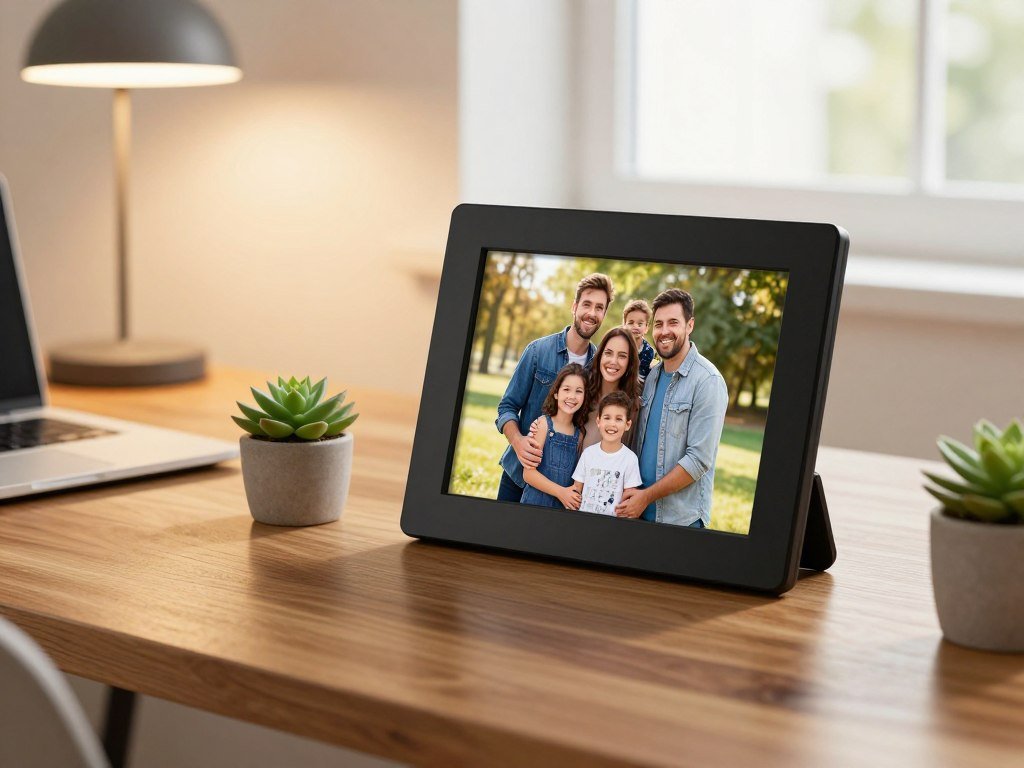
Check the listing for the precise model and its current details, including the orientation options. That matters if your photos include many vertical portraits, or if you plan to put the frame in a narrow space. A screen that fits the furniture still needs to suit the images you want to show.
The Smart model’s Wi-Fi upload support can work for households that want pictures sent from a phone. Keep the display size in proportion to the spot, rather than buying a larger frame just because it seems more impressive. Confirm the precise Carver model name on the listing so its features are not confused with the Stone Collection.
Is Aura Aspen the better choice for mixed orientations?
A mixed camera roll makes Aspen’s portrait-and-landscape flexibility especially useful. Aura Aspen supports both orientations and uses a 4:3 aspect ratio. That flexibility suits varied family photos, from tall phone portraits to wide vacation scenes. It accepts uploads through the app, linked Google Photos or iCloud albums, and email.
Those different upload paths can suit relatives with different habits. One person may send a picture by email, while another shares through a linked album. Aspen also supports video and Apple Live Photos, so the frame can show more than still images. The 4:3 shape gives images a consistent space on the screen.
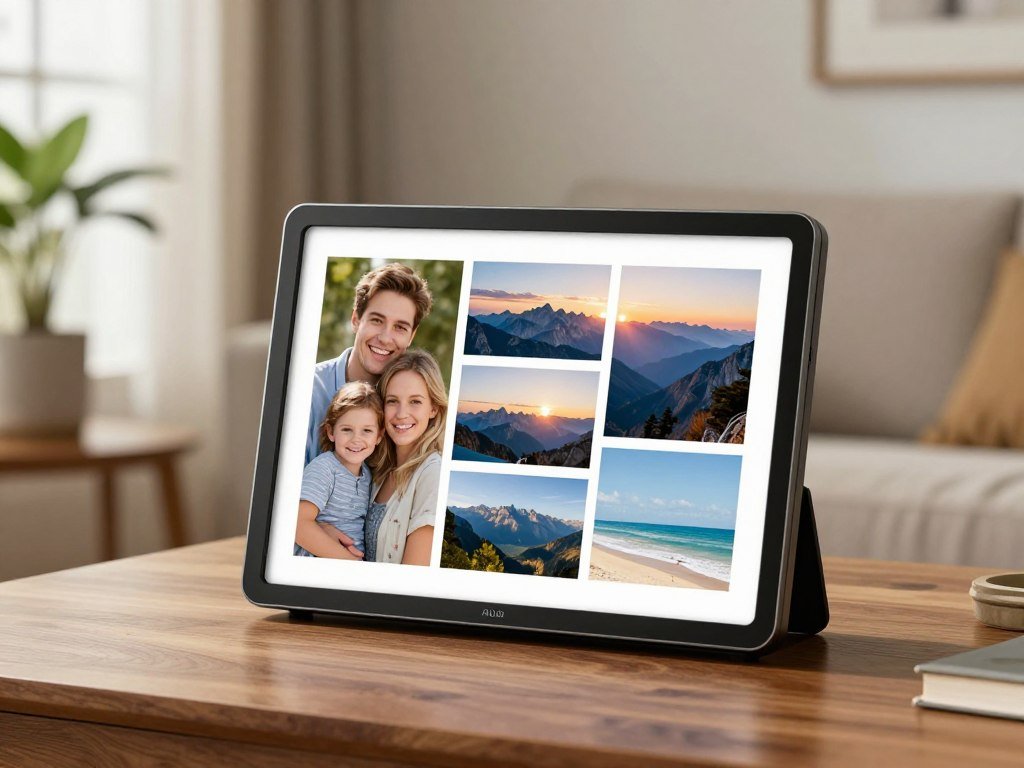
For the best digital picture frame for a mixed camera roll, orientation should be part of the decision, not an afterthought. A portrait-and-landscape frame can show more of each image in its natural direction. That helps avoid a slideshow where vertical photos feel cramped beside wide scenes.
Consider how the recipient likes to view photos, as well as who will add them. A changing stream of family pictures suits a shared app or email workflow. Someone who wants one fixed orientation may prefer a more focused display. Check whether the recipient wants a changing stream of family images or a display that stays in one orientation.
When does Aura Walden make sense for a larger room?
A wide living-room wall or mantel can justify choosing a larger display for visibility and presence. Aura Walden is designed for tabletop use or wall mounting. Think of it as a room feature, rather than a small accent on a crowded desk. A bigger display does not automatically mean a sharper image.
A broad wall above a fireplace can give a large frame room to stand out. On a mantel, it can make a family slideshow easier to notice from across the room. The added size changes how the picture frame feels in the space, even when the screen does not have a higher pixel count.
Walden comes in Carbon with Paper Mat and Sandstone with Paper Mat finishes. The color and mat can affect how well the display fits nearby furniture and wall colors. Tabletop use gives you more placement options, while wall mounting can make a wide empty wall feel more considered.
Choose the frame for the space you have, not just the largest size you can find. A large screen can feel out of place on a narrow shelf, and a small display may disappear on a wide wall. Measure the intended wall or tabletop before committing to a statement-size frame.
Is Aura Ink right for a slower, print-like slideshow?
A slower slideshow can feel more like changing a print than watching a screen. Aura Ink uses an e-paper display, which has a softer, less backlit look than a typical bright screen. Its appeal is calm display, not rapid updates. The rechargeable battery can last up to three months per charge.
A rechargeable design can suit a wall where a visible power cable would spoil the look. It also gives you more freedom to place the frame away from an outlet. Battery life is an estimate, and actual use can affect how often the frame needs charging.
Ink can refresh pictures no more often than once every 12 hours. That slow pace works better for a deliberate slideshow than a busy family feed with frequent new uploads. The frame does not play video, so motion clips are not part of its display experience.
For a home where people send fresh photos throughout the day, a slower refresh may feel limiting. Some households may prefer the less backlit look and cordless placement instead. Choose an LCD model instead if seeing fresh photos many times a day or playing videos matters.
Should you choose the Skylight 10-inch frame?
Email sharing gives relatives a direct way to send pictures without learning a new upload routine. The Skylight Frame has a 10-inch display and accepts photo uploads by email. Email-to-frame can feel familiar for family members who rarely use photo apps. Skylight Frame 2 adds app uploads and 16GB of onboard storage.
Skylight Frame 2 also has a 1920 x 1080 display, touch-screen controls, and swappable faceplates. Those replaceable faces give you a way to change the frame’s look without replacing the device. The two model names refer to different versions, so compare the exact product before weighing screen and storage details.
| Feature | Skylight Frame | Skylight Frame 2 |
|---|---|---|
| Display | 10-inch display | 1920 x 1080 display |
| Photo upload | Email upload | Email or app upload |
| Storage | Not stated | 16GB onboard storage |
| Frame design | Not stated | Swappable faceplates |
Email and app uploads offer two ways to add pictures to Frame 2. A household can choose whichever method relatives find easier. Touch controls make the frame itself simple to use, while faceplates help it fit changing room decor.
Specifications can differ between Skylight versions, and the product name can be easy to overlook in a listing. Check the version you plan to buy before comparing its features with another frame. Verify the exact Skylight version before comparing its screen and storage details.
Does Pix-Star suit photo and video sharing?
Pix-Star covers the basic combination of Wi-Fi sharing and photo-and-video playback. The Pix-Star digital picture frame has a 10-inch display and supports Wi-Fi photo sharing. That combination suits mixed albums with still images and clips. Check the exact model for its storage, orientation, and video limits.
A 10-inch display may fit a shelf or side table, depending on how far away people usually sit. It is a useful size to consider for a shared family space that does not have room for a large frame. Wi-Fi lets the household share pictures without carrying a memory card to the display.
Video support can bring short moments into the slideshow, but model-specific limits can affect how well it works for your clips. Check which formats and lengths the version supports, along with its storage and orientation. Those details help avoid buying a frame that cannot show the images you already have.
Pix-Star is a reasonable option if the household wants a Wi-Fi frame for both photos and videos. Its display size is only one part of the decision. Confirm the exact Pix-Star model’s orientation and storage before you buy.
Is a Nixplay Smart Photo Frame right for multiple sizes?
A family sending updates to several homes can benefit from managing multiple frames through one account. Nixplay Smart Photo Frames come in 9.7-, 10.1-, 13.3-, and 15.6-inch sizes. That range makes room for different spots, from a side table to a larger shared area. One account can send a photo to multiple frames.
The Nixplay 10-inch frame has a 1280 x 800 resolution. Nixplay frames support Wi-Fi, and Google Photos integration is available. Check the model and plan details for the exact setup, since every version or plan may not support the same features.
The free tier covers up to five frames and includes limited cloud storage. That can suit a small family network, but a household with more recipients should compare the plan’s frame limit with its needs. Several relatives can get the same new photo without each person setting up a separate upload routine.
Multiple sizes make it easier to choose a display for each home instead of buying one size for everyone. Still, each recipient may have different shelf space and photo habits. Check the plan’s frame limit against the number of relatives who will receive a frame.
Is Pexar 2K 11 a fit for a sharper screen?
A high-resolution screen is most useful when viewing detail matters at ordinary room distance. Pexar 2K 11 has an 11-inch display with a 2000 x 1200 panel and anti-glare glass. Its high pixel count can suit detailed images. It also keeps photos on the device with 32GB of local storage.
The Frameo app handles sharing, and the local storage can expand with an SD card or USB. That gives you options if the built-in space fills up. It also means you may need to manage files on the frame instead of relying only on a remote account.
For the best Frameo digital photo frame, compare app experience and storage needs as well as resolution. A sharp panel may not suit you if the upload steps feel awkward or the storage plan does not match your photo collection. Screen numbers are one part of choosing a frame that people will use.
Local storage can be a good fit for shoppers who want saved images on the device. It also calls for a plan to manage and back up the files. Pick a local-storage approach only if you are comfortable managing the images kept on the device.
Does Meural Canvas II work as a large art display?
A large display makes more sense when the frame should act as a visual feature in the room. Netgear Meural Canvas II has a 21.5-inch display with 1920 x 1080 resolution. Its size suits a broad wall, where a smaller family frame might feel lost. Gesture control and a motion sensor add art-focused controls.
The display can show family images at a scale that draws attention from across a room. Gesture control lets you interact without relying only on touch controls. The motion sensor can respond to people nearby, making it part of the way the display works in a shared space.
An optional curated-art subscription is available. It is an added choice, not a requirement for using the frame as a family photo display. Consider whether you want the art features before adding another recurring cost to your household budget.
A large-screen model can change the balance of a room, so think about its size beyond the display alone. A wide frame needs wall space that can hold its visual weight. Compare the frame’s physical footprint with the wall space available before choosing a large-screen model.
Where do photos live, and how do they reach the frame?
The key storage choice is whether photos should live online, on the frame, or in both places. Cloud storage keeps images in an account for online access, while local storage keeps copies on the device. Hybrid storage uses both, which can offer online access and saved copies. Cloud-only frames may need a connection to show their online library.
Local copies can stay viewable when Wi-Fi is unavailable. A cloud frame may not display its library until the connection returns, since it needs to retrieve those images. That difference matters in homes with weak service or frequent outages.
Cloud storage keeps uploads available through an account
Aura stores uploads in its cloud and has no onboard storage. Nixplay’s 10-inch frame uses cloud storage along with 8GB of onboard storage. Skylight Frame 2 has 16GB of onboard storage, while Pexar 2K 11 has 32GB of local storage.
Local storage keeps copies on the device
Local files can display without retrieving each photo online, though remote uploads still need Wi-Fi. Storage space and backup habits matter when pictures live on the frame. The table compares where four models keep photos and what to check.
| Frame | Where photos are stored | What to check |
|---|---|---|
| Aura | Cloud, no onboard storage | Wi-Fi dependence |
| Skylight Frame 2 | 16GB onboard storage | How cloud features work |
| Nixplay 10-inch | 8GB onboard plus cloud | Storage limits |
| Pexar 2K 11 | 32GB local plus SD card or USB expansion | How to back up files |
Think about where you want originals and whether you need access when away from home. A frame that stores photos online may work well for sharing, while local copies offer a different kind of access. Before buying, decide whether remote access or keeping copies on the device matters more to your household.
What screen size and resolution look good at home?
A frame across the room needs enough screen area to read clearly, while a close desk display can be smaller. Pixel density describes how many pixels fit into each inch of a display, so viewing distance helps shape how sharp an image looks. Size and resolution work together. A larger screen with the same resolution spreads pixels across more area.
Aura Aspen has a 12-inch, 1600 x 1200 display. Aura Walden has a 15-inch, 1600 x 1200 display, and Aura Ink has a 13-inch, 1600 x 1200 e-paper display. Aspen and Walden support landscape or portrait orientation, as does Ink.
Choose screen size for the room
Walden’s 15-inch screen gives a room more presence than Aspen’s 12-inch display, but both use the same resolution. That means Walden is larger, not higher-resolution. A broad wall may suit its scale, while a smaller tabletop can make Aspen easier to place.
| Model | Screen size | Resolution | Orientation |
|---|---|---|---|
| Aura Aspen | 12 inches | 1600 x 1200 | Landscape or portrait |
| Aura Walden | 15 inches | 1600 x 1200 | Landscape or portrait |
| Aura Ink | 13 inches | 1600 x 1200 | Landscape or portrait |
Check resolution and orientation together
Resolution alone cannot guarantee that portrait photos will fit well. A model must support the orientation you use, or vertical images may not fill the screen as intended. Ink also has an e-paper appearance, which differs from a standard bright display.
If you are still choosing a camera for family photos, this camera guide for photography compares options by features and use. The pictures you take shape what looks best on a frame. Compare both the photo orientation and where you will sit before choosing between the three sizes.
How can you set up a digital picture frame as a gift?
A gift feels personal when the first photos are already waiting for the recipient. Aura lets you upload photos and videos through its app before gifting. A ready slideshow makes unboxing warmer. New online uploads need Wi-Fi to reach the frame.
Skylight supports photo uploads by email or app, which can make sending pictures simple for relatives. You can preload photos before wrapping, then check that sharing works. If the frame goes offline later, locally saved pictures may still show, but fresh online uploads must wait until it reconnects.
Prepare photos before wrapping the gift
- Choose the frame and connect it to Wi-Fi.
- Create or link the sharing account.
- Preload a small, personal set of photos.
- Test that a relative can add a photo after setup.
A handful of meaningful pictures can make the first screen feel personal without overwhelming the recipient. Include familiar faces, a recent gathering, or a favorite family trip. If you want to take new pictures for the gift, a beginner photography guide can help you practice with a phone.
Keep the recipient’s first steps simple
Set up the account before wrapping, and share only the instructions the recipient needs. Email-to-frame can make sending easier for a Skylight household, especially for relatives who prefer email. Be sure the frame can reach Wi-Fi during setup and when people send new online photos.
Keep the login details and a short set of directions with the gift, so the recipient knows who can contribute. That small note can help the family start sharing without a call for technical support. Test one new upload before wrapping so the first shared moment does not become a setup problem.
What should you budget for, including subscription fees?
The purchase price is only one part of the cost if a frame’s useful features sit behind a recurring plan. Aura frames have no subscription fees. Some extras add yearly costs, including Skylight Plus at $39 per year for video, captions, albums, and cloud backup. Compare the plan charge with the features you will actually use.
Nixplay Basic costs $19.99 per year, and Nixplay Plus costs $29.99 per year. Product prices depend on the model and retailer, while plan prices cover added features. Check the full cost over the time you expect to keep the frame.
Compare the one-time purchase with recurring charges
- Confirm the current purchase price.
- Identify which features require a subscription.
- Calculate charges across the time you expect to use the frame.
- Compare the same features across alternatives.
A free plan can still have limits, and a paid plan may add features you do not need. Compare the features side by side instead of judging by the monthly or annual number alone. Aura’s no-subscription approach may suit households that want to avoid recurring plan costs.
What should you expect from a frame under $100?
For the best digital picture frame under $100, prioritize the display, sharing route, and storage method you need. Then compare live prices and plan terms, since models and retailers can differ. Do not assume a named frame will meet your budget at every store.
Set a total budget that includes any yearly plan, not just the checkout price.
A frame with fewer extras may be a better buy if it covers your family’s main use. Consider whether remote sharing, extra features, or a no-fee setup matters most. Recheck the seller’s current price and plan terms on the day you buy.
Conclusion
For easy family sharing on a landscape shelf, Aura Carver Stone is the clearest starting point. It suits households that want relatives to send new photos without printing each one. Choose Aspen instead when portrait support matters, since it can show both portrait and landscape photos.
Before ordering, check the frame’s orientation, storage preference, and subscription terms on the current product listing. Those choices affect how well the frame fits your photos and sharing habits. Measure the intended spot, confirm the required orientation and check the current terms before placing an order.
FAQ
Do digital picture frames need Wi-Fi all the time?
No, digital picture frames do not need Wi-Fi every moment if they have locally saved photos. Wi-Fi is needed for new online uploads, and cloud-only frames may need a connection to retrieve their library. A frame with locally stored pictures can keep showing those saved images offline. Once it reconnects, family members can send fresh pictures through its supported sharing method.
Can a digital picture frame show portrait photos?
Yes, a digital picture frame can show portrait photos when its design supports portrait orientation. Aura Carver Stone is landscape-only, while Aura Aspen supports both portrait and landscape. Check how the model handles vertical images before buying, since support can affect how a picture fills the screen. This matters most when your collection is mainly phone portraits.
Can family members send photos to an Aura frame?
Yes, family members can send photos to an Aura frame through the app when invited to contribute. Aura also supports sharing short videos. That lets relatives add new moments from outside the home, instead of asking one person to upload every image. The frame needs Wi-Fi to receive new online uploads, so keep it connected for ongoing sharing.
Do digital picture frames need a subscription?
No, some digital picture frames work without a subscription. Aura has no subscription fees, while optional Skylight Plus and Nixplay plans charge annually for added features. Compare what each plan includes with the way your household uses the frame. A recurring charge may make sense for extra tools, but you do not need every paid feature to display family photos.
How many photos can a digital picture frame store?
Photo capacity depends on the model and whether it uses cloud or local storage. Aura offers unlimited cloud photo storage, while Skylight Frame 2 has 16GB onboard, Nixplay 10-inch has 8GB onboard, and Pexar 2K 11 has 32GB local storage. Those capacities describe different storage setups, so check whether a frame also relies on an account or supports expansion.
Is a larger digital picture frame always sharper?
No, a larger digital picture frame is not always sharper. Resolution counts the pixels, while pixel density describes how many fit into each inch. When the same resolution spreads across a larger screen, each inch holds fewer pixels. Viewing distance also affects how much detail you notice, so compare the screen with where people will sit.
Can I preload photos on a digital picture frame before giving it as a gift?
Yes, you can preload photos before gifting when the frame and its app allow uploads ahead of time. Aura supports adding photos and videos through its app, and Skylight accepts uploads by email or app. A few personal pictures make the first slideshow ready to enjoy. The recipient still needs Wi-Fi for new online uploads after the frame is wrapped.
About The Author