Best Free Calorie Counter App: Top Picks for Every Goal

MyNetDiary is the strongest general-purpose starting point when you want a free food diary with barcode scanning and no ads. A free tier is an ongoing $0 plan that lets you keep using an app’s core features after any trial ends. That distinction matters when you are choosing a tool for weight goals, health habits, or sustainable weight loss.
Cronometer stands out for nutrition detail, MyFitnessPal may suit people with existing food history and integrations, and FatSecret offers community access. A food diary can help you notice what you eat, but it cannot guarantee weight loss. Your routine, food choices, and health needs still shape the result.
Key Takeaways
- MyNetDiary offers a broad free tier for everyday food logging.
- Cronometer Basic suits readers who want micronutrient detail.
- MyFitnessPal Free keeps manual logging and many integrations.
- FatSecret combines free tracking with community access.
- Check what stays free before adding food history or starting a trial.
Choose an app for the everyday task you will actually repeat, not the longest feature list.
What Should You Check Before Choosing a Free Tracker?
A Get button tells you the app costs nothing to install, but it does not promise that the food scanner or reports are free. Apple’s App Store listings separate downloads from in-app purchases, so free to download does not describe every feature.
Free to download, free to try, and free to keep using are different promises. A free trial opens paid features for a limited time. A free tier is an ongoing $0 plan, while a paid-only app has no lasting free path.
Check the ongoing plan before entering food history, because a temporary trial may end before your routine does.
For a free nutrition tracker app, the useful question is whether its lasting plan supports the daily actions you need. Look beyond onboarding screens and trial prompts. A scanner that works only during a trial may not help once the trial ends.
Free to download is not the same as free to use
The App Store’s Get button means you can install the app without paying upfront. It does not confirm that barcode scanning, saved recipes, or reports stay free.
An app may offer a free tier, a free trial, or both. A trial is temporary paid access, and its terms can include an automatic subscription after the trial ends. A free tier keeps some core features available at $0.
Match the free plan to your daily routine
Check these four features before you build a food diary:
- Barcode access for packaged foods.
- Calorie and macro targets you can set or view.
- Saved meals or recipes for repeat cooking.
- Reports or exports that suit your review habits.
Some users need a quick calorie total; others want reusable recipes or a weekly report. Match the plan to your usual meals, not a feature you might use once. Before entering a card, confirm the plan name shown in the app and decline any trial you do not intend to use.
Best Free Calorie Counter App Options by Goal
For a broad free tier, start with MyNetDiary; for micronutrient detail, compare Cronometer Basic. The best calorie tracker depends on which tasks you need each day.
MyNetDiary is the broadest documented free starting point, while Cronometer suits detailed nutrition. FatSecret fits users who value community, and MyFitnessPal may work well if you already use its history and integrations.
| App | Barcode scanning on free plan | Free-plan distinction | Strongest fit |
|---|---|---|---|
| MyNetDiary Free | Yes | No ads | Broad daily food tracking |
| Cronometer Basic | Yes | Seven-day reports | Nutrition detail |
| MyFitnessPal Free | No | Manual logging | Existing history and integrations |
| FatSecret | Yes | Community access | Community-based tracking |
That contrast can help you narrow the best free food tracking app for your routine. The table describes each plan’s stated features, not a promise that every food search will fit your meals.

A January 2026 controlled test entered 127 identical foods into three apps. It took 711 actions in MyNetDiary, 1,003 in Cronometer, and 1,035 in MyFitnessPal. Those counts compare logging friction, not food data or nutrition accuracy.
For the best free calorie counter app for Android or iOS, compare the same free-plan details on your device. App store listings and available features can change, so confirm the current listing before setup.
A free calorie tracker app can still meet your needs if its ongoing plan handles your usual foods. Barcode scanning may matter more for packaged meals, while saved recipes may matter more for home cooking.
Treat a faster action count as a workflow clue, not proof that an app’s food data is more accurate.
MyNetDiary: Best Free All-Around Calorie Tracker
MyNetDiary’s free tier covers the core routine many people need: scan a packaged food, log a meal, and review calories and macros. That mix makes it a practical starting point for daily tracking.
The free plan includes barcode scanning, macro and water tracking, nutrient details, and community access without ads. You can start without creating an account, and paid features are not required for the core diary.
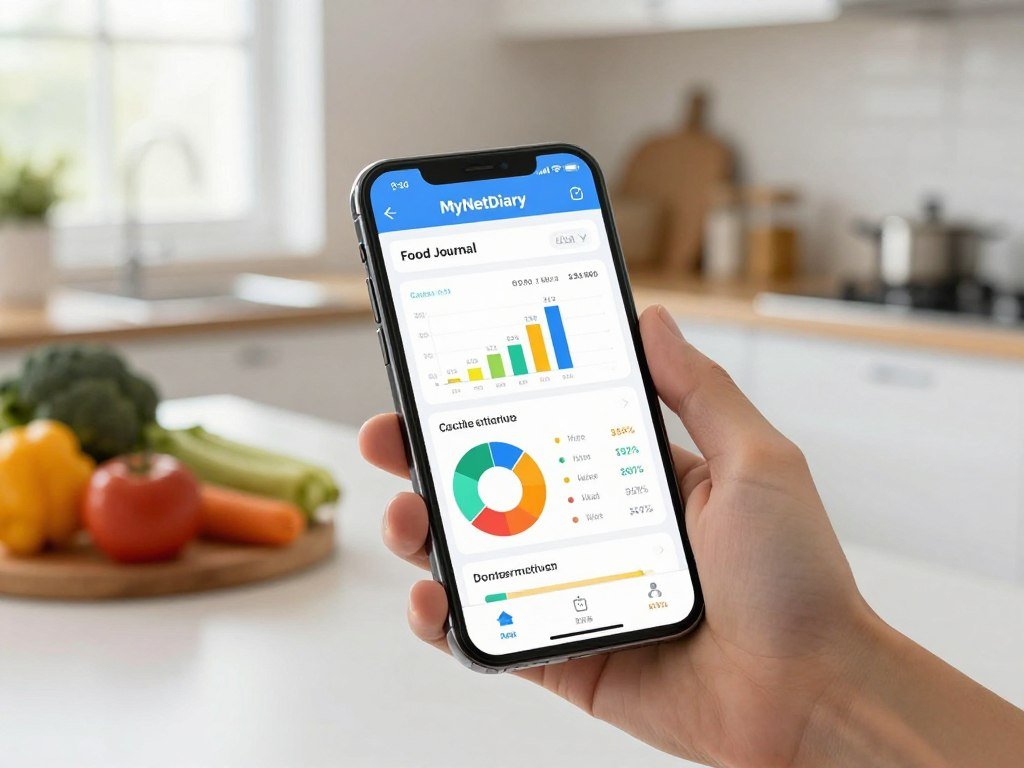
The food database contains more than 2 million staff-verified foods. In the free tier, the app provides up to 108 nutrients for each item. That detail can help you see more than calories when you review a meal.
Those published database details do not mean every entry or portion matches your food. A packaged item may have a new label, and a serving may differ from the amount you ate. The community can offer support, but its posts are not a substitute for nutrition advice.
For a typical workday, you could scan a yogurt at breakfast, log lunch, then check your water and macro totals. That routine keeps the app focused on practical food tracking rather than a long list of advanced tools.
The nutrient view can also help you spot which details matter to you. Some users may want to see fiber or minerals, while others only need a calorie total and protein count.
Check an unfamiliar food entry against its package label before relying on its nutrient breakdown.
Cronometer: Best for Detailed Nutrition Tracking
Choose Cronometer Basic when you want to look beyond calories and macros at vitamins, minerals, or custom nutrition targets. Micronutrients are detailed nutrition values beyond calories and macros.
Cronometer Basic is free and includes custom macro and micronutrient targets, barcode scanning, and seven-day reports. It also supports food logging, custom foods, meals, recipes, and device syncing.
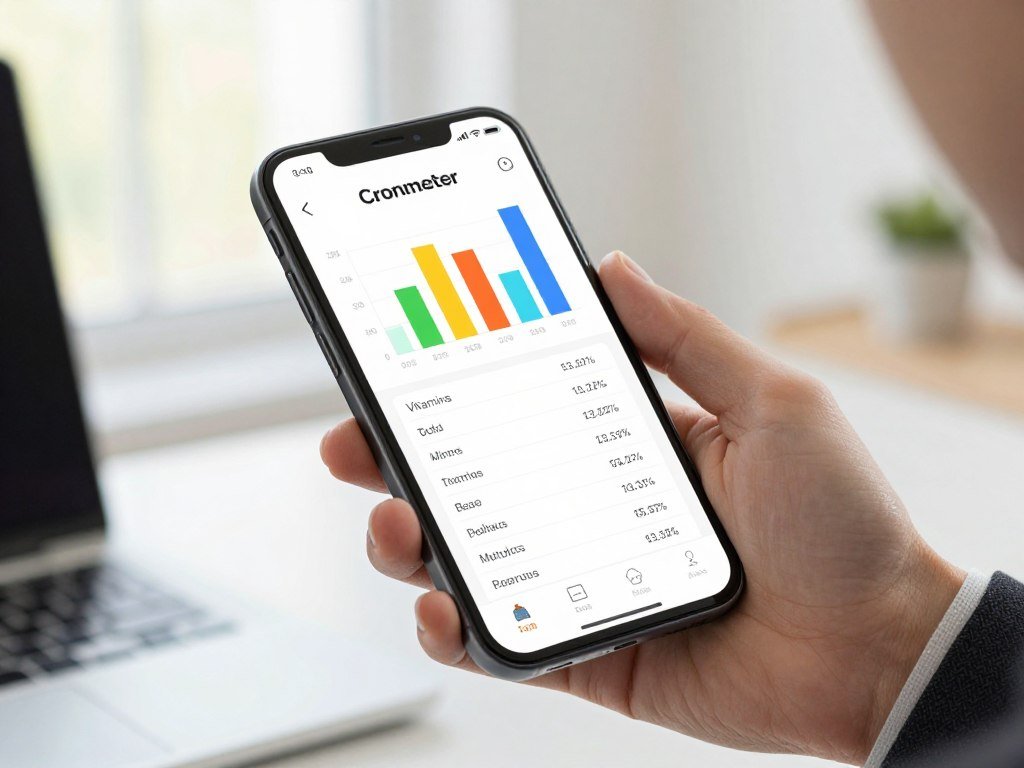
The US App Store listing describes more than 1.1 million verified foods and tracking for 95 or more vitamins and minerals. That database can make detailed review easier, but your portion estimate still affects the result.
Custom foods help when an ingredient or packaged product does not match an existing entry. You can add its nutrition details once, then reuse that food in later meals.
Recipes work well for home cooking. For example, save a batch of vegetable soup, enter the serving size, and log one portion when you eat it. Your serving choice matters, even when the ingredient list is exact.
Basic reports cover a seven-day window, which suits short reviews of meals and nutrient patterns. If you want a longer reporting history or an ad-free experience, check what the paid plan adds before building your tracking routine.
MyFitnessPal: Best for Manual Logging and Integrations
MyFitnessPal remains a usable free food diary if manual search and your existing history matter more than scanning. Manual search works for users who do not mind looking up packaged foods.
Food logging, calorie tracking, goal setting, syncing, and progress tracking remain available on MyFitnessPal Free. Barcode scanning is a Premium feature, so free users search for foods instead.
| Feature | Free | Premium |
|---|---|---|
| Barcode scanning | No | Yes |
| Food and exercise logging | Yes | Yes |
| Custom macro tracking | Limited viewing and percentage goals | Yes, custom tracking |
MyFitnessPal connects with more than 35 apps and fitness devices. Examples include Apple Watch, Fitbit, Garmin, Samsung Health, Google Fit, and Health Connect.
Those names show the range of connections, but each link may not work the same way. Your device, app settings, and chosen connection can affect what data syncs.
Free users can enter meals through food search, set goals, connect supported services, and review progress. That may be enough if you already have a detailed history in the app or rely on an existing fitness connection.
MyFitnessPal Premium adds barcode scanning, voice logging, custom macro tracking, and ad-free logging. The free plan can still support manual logging, though repeated searches may add extra steps during busy meals.
For a new user who scans groceries often, compare another free scanner before moving a full food history.
Which Free App Fits Your Nutrition Goal?
The best match changes with the job: a daily calorie total, a protein target, and net-carb tracking are not interchangeable needs. Start with the one you will check most often.
Choose a free plan only if it shows the target you need without hiding that control behind an upgrade. A food diary can support awareness, but the right view depends on your nutrition goal.
For calorie awareness and weight goals
For calorie awareness or weight change, prioritize a repeatable daily food log. A simple total can help you notice patterns in meals and portions without making every entry a major task.
If your main goal is weight loss, choose a view you can use across ordinary days. Logging a usual breakfast and lunch may tell you more than tracking one carefully planned day.
For macro targets and muscle gain
For muscle gain, check whether the free plan offers a useful protein or macro target. A calorie total alone will not show how your food adds up across protein, carbohydrates, and fat.
Look at how the app displays those numbers during the day. A target that is easy to see may be more useful than extra features you rarely open.
For a keto diet and net carbs
For a keto diet, check for net-carb display before committing to an app. Carb Manager is a keto-oriented option to investigate, but the label does not confirm free scanning or advanced tracking.
MyFitnessPal places Net Carbs Mode in Premium. That makes it a poor fit if you need that specific view at no cost.
- For calorie awareness, check the daily total.
- For muscle gain, check protein and macro targets.
- For keto, check net-carb display and access.
- For all three, check the free-plan boundary before logging often.
Write down the one target you will check most often and reject any free plan that hides it behind an upgrade.
What Do Paid Plans Add, and What Do They Cost?
The clearest paid-plan comparison is between Cronometer Gold at $10.99 monthly and MyFitnessPal Premium at $19.99 monthly in the US. Added tools matter only if they solve a real tracking need.
Cronometer Gold costs $10.99 per month or $59.99 per year in the 2026 US App Store. MyFitnessPal Premium costs $19.99 monthly or $79.99 yearly in 2026.
| Plan | US monthly price | US annual price | Notable additions |
|---|---|---|---|
| Cronometer Gold | $10.99 | $59.99 | Photo and voice logging, fasting tracking, recipe importer |
| MyFitnessPal Premium | $19.99 | $79.99 | Ad-free logging, voice logging |
| MyFitnessPal Premium+ | $24.99 | $99.99 | Meal planning, grocery lists, delivery integration |
Cronometer Gold and its added tools
Cronometer Gold adds photo and voice logging, fasting tracking, a recipe importer, repeat items, ad-free use, and Crono Coach. Those tools may help if you often repeat foods or want fewer manual entries.
MyFitnessPal Premium and Premium+
MyFitnessPal Premium+ costs $24.99 per month or $99.99 per year in 2026. It adds meal planning, automated grocery lists, and grocery delivery integration.
Eligible people who have never upgraded or started a Premium trial can receive a seven-day Premium trial. Subscriptions renew automatically unless canceled before renewal. Apple says some trials must be canceled at least 24 hours before they end to avoid a charge, as explained in its subscription terms.
Apple’s timing rule applies to the relevant Apple subscriptions; app terms also control the offer. Set a cancellation reminder before starting a trial if you do not want it to roll into a paid subscription.
How Accurate Are Calorie Counter Apps?
A 2026 controlled test put MyNetDiary’s mean energy estimate at 2,001 calories against a 2,005-calorie reference. That close result is useful, but it does not guarantee every meal will match.
A controlled manual-entry result cannot promise accuracy for every barcode, restaurant meal, portion estimate, or recipe. The result describes a test setup, not every user’s daily food log.
In a 2026 study of 17 nutrition apps, MyNetDiary scored 4.39 out of 5 on the Mobile App Rating Scale. The study average was 3.61 out of 5.
That rating measures app quality, not calorie measurement accuracy. In a standardized three-day manual-entry test, MyNetDiary’s mean energy estimate was 2,001 calories, compared with a 2,005-calorie reference. It also had the closest protein estimate among the 13 apps tested.
Each result answers a different question. A quality score rates the app experience, while an energy estimate compares logged calories with a set reference under test conditions.
Real food adds uncertainty. A package label may differ from the database entry, a restaurant serving may be larger than expected, or a homemade recipe may not divide evenly.
Check an entry when its label conflicts with the package or its serving size looks unusual. The same food can appear in several database entries, so the selected item matters.
Treat a daily total as an estimate, especially when restaurant portions or homemade recipes are hard to measure.
How Do You Set Daily Calorie and Macro Goals?
A macro calculator gives you a starting estimate, not a guaranteed daily calorie requirement. Starting targets are numbers to review, not promises about your body.
A calorie target is a daily energy estimate, while macro goals divide that energy among protein, carbohydrates, and fat. The IIFYM Macro Calculator estimates targets for cutting, maintenance, and muscle gain.
The IIFYM Macro Calculator was reviewed on December 2, 2025, by a registered dietitian nutritionist and research scientist. Its results remain estimates, not guarantees, and your needs may change over time.
Use a calculator as a starting estimate
Choose the goal that best matches your current plan, then enter accurate personal details. Review the result before adding it to an app, and make sure you understand which number is calories and which numbers are macro goals.
- Choose cutting, maintenance, or muscle gain.
- Enter your personal details carefully.
- Review the calorie and macro estimates.
- Ask a qualified clinician or registered dietitian when medical needs affect nutrition.
Match the target to your goal
A cutting estimate aims at weight loss, while maintenance aims to hold weight steady. A muscle-gain estimate supports a different goal and should not be treated as a guarantee of results.
Use the target as a reference for your food log, then pay attention to how it works in practice. A number that looks exact may still need review as your routine or health changes.
If you have a medical condition or take medication that affects eating, review a new target with your healthcare professional.
Can Calorie Tracking Support Sustainable Weight Loss?
A tracker can make eating patterns easier to see, but it cannot guarantee a particular weight change. Consistent logging may reveal patterns in portions, meals, and daily routines.
The CDC describes gradual weight loss as about 1-2 pounds per week, a general guide rather than a personal prescription. Your health, needs, and response to changes can differ.
A steady log may help you notice that lunches run larger on busy days or that snacks change with your schedule. That information can support a small adjustment without judging one meal as success or failure.
Apps record food and progress; they do not cause weight change by themselves. Logged portions can be off, and exercise estimates may not match the energy you used.
Try these habits to keep tracking useful:
- Log consistently without demanding perfection.
- Review weekly patterns rather than one meal.
- Check portions and package labels.
- Pause or seek support if tracking becomes distressing.
Choose the smallest logging routine you can sustain, and step back if tracking begins to harm your relationship with food.
A goal tied to a health condition or medication may need support from a qualified professional. That can help you choose an approach that fits your needs, not just the app’s daily total.
Exercise can support health, but an app’s activity number is still an estimate. Avoid treating it as an exact allowance for extra food.
If tracking brings stress or takes over meals, pause and seek support rather than forcing the habit.
Conclusion
Start with the app whose free tier covers the task you repeat most often. MyNetDiary is the broad general-purpose choice, Cronometer Basic suits micronutrient detail, and MyFitnessPal can fit manual logging or existing integrations.
Choose based on the free feature you will use most, not a paid tool you might try later. A short test with an ordinary meal can show whether the food search and diary feel workable.
Log one ordinary breakfast, check whether you can find and edit it again tomorrow, and keep the app only if that routine feels workable.
FAQ
What is the best macro calculator?
The IIFYM Macro Calculator is a useful option for estimates aimed at cutting, maintenance, or muscle gain. Its output is a starting point, not a guaranteed daily requirement. Enter accurate personal details, then review the result before using it as a target. A registered dietitian or clinician can help when your health needs affect nutrition.
Is MyFitnessPal still free?
Yes, MyFitnessPal still offers free food and calorie logging, goal setting, syncing, and progress tracking. Its barcode scanner is a Premium feature, so free users search for packaged foods manually. The free plan may suit you if you already have food history or use its connections. Check the plan screen before relying on a feature.
Is there a better calorie counter than MyFitnessPal?
MyNetDiary is the broadest free-tier recommendation here, while Cronometer fits detailed nutrient tracking. MyFitnessPal may be the better choice if your existing history and integrations matter most. The strongest fit depends on which task you repeat, such as scanning groceries, viewing micronutrients, or keeping an established food diary.
What are the downsides of using MyFitnessPal?
MyFitnessPal requires Premium for barcode scanning, ad-free logging, and custom macro tracking. Free users rely on manual search for packaged food, which can take more steps during grocery or meal logging. Its free tier still supports core food and exercise logging, syncing, goals, and progress review.
What is the #1 calorie tracking app?
MyNetDiary is the broad general-purpose free pick in this comparison. A 2026 roundup named Cronometer best overall, which shows that a top ranking depends on the criteria. You may prefer a different app if your main need is community, detailed micronutrients, or existing integrations. Match the choice to the task you will use most.
What is the monthly fee for MyFitnessPal?
In 2026, MyFitnessPal Premium costs $19.99 per month in the US, and Premium+ costs $24.99 per month. Premium+ adds meal planning, automated grocery lists, and grocery delivery integration. A seven-day Premium trial is available to eligible people who have never upgraded or started a Premium trial. Trials can renew into paid plans.
About The Author