
Best Indoor Cycling Apps: Top Picks for Every Rider
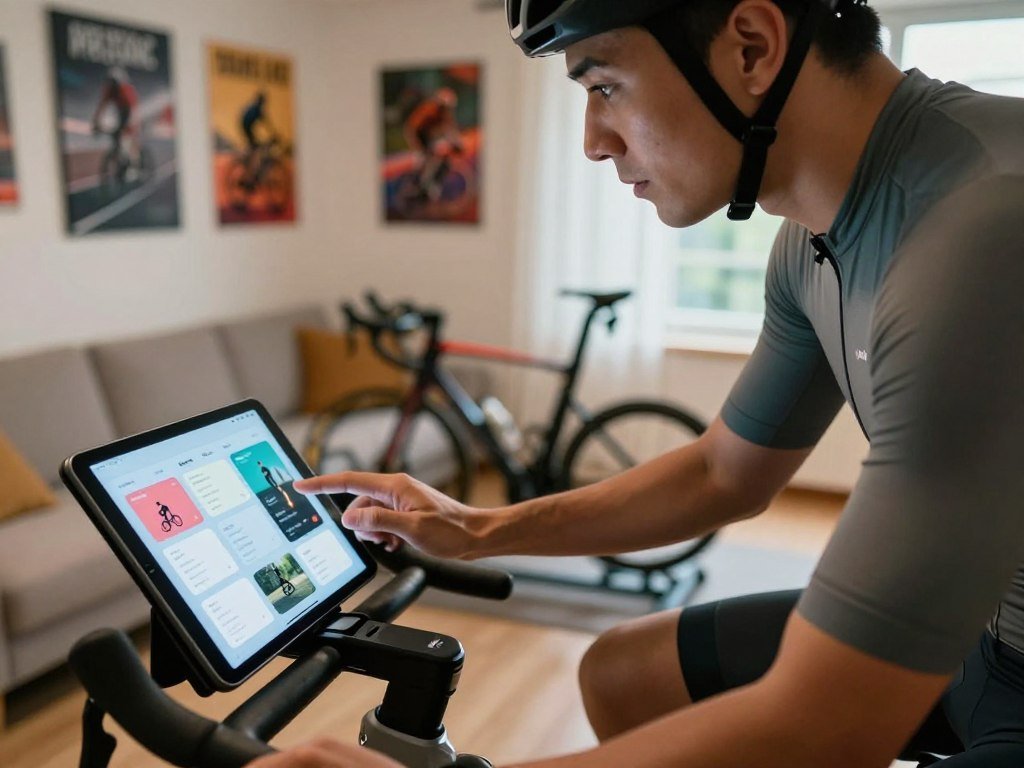
A good indoor ride can be a social race, a famous climb on screen, or a focused interval session. Your best choice depends on what keeps you riding and which devices you own. A smart trainer is an indoor trainer that connects to an app and can adjust resistance as the ride changes. Other setups can track speed or power without changing resistance.
Indoor training apps offer very different experiences. Some place you among riders in a virtual world, while others show real-road video or guide you through a workout. Training analysis apps help you review your progress after a ride. Matching the app to your motivation matters more than choosing one with the longest feature list.
This roundup gives you clear picks for social riding, focused training, real-route scenery, and different budgets. You can use it to narrow the options before paying for a subscription or changing your setup. Pick the kind of ride you will actually want to repeat, then match the app to that goal.
Key Takeaways
- Zwift suits riders who want a busy virtual world and group events.
- TrainerRoad focuses on structured workouts and training progress.
- Rouvy brings real roads into an augmented-reality route experience.
- MyWhoosh offers virtual rides and workouts without a subscription.
- Check your trainer, phone, and app compatibility before you commit.
Which app fits your riding style?
For most riders who want company and competition, start with Zwift; choose TrainerRoad for structured performance work, Rouvy for real roads, or MyWhoosh for a free virtual option. That choice depends on whether you want a social ride, a focused session, or scenery. Wahoo SYSTM is a strong fit when cycling training needs to sit beside off-bike workouts.
Zwift is the broadest fit for socially motivated riders, not a universal winner for every goal. The quick comparison below shows what each cycling app puts first. Consider the screen experience as well as the workout tools before you decide.
| App | Best fit | Ride format | Main reason to shortlist |
|---|---|---|---|
| Zwift | Social rides and races | Game-like virtual world | Group rides and competition |
| MyWhoosh | No-subscription virtual riding | Worlds, workouts, events | Free-to-use platform |
| Rouvy | Real roads and scenery | Augmented-reality route | Recognizable course footage |
| TrainerRoad | Structured performance training | Data-led workouts | Adaptive training work |
| Wahoo SYSTM | Multisport training | Cycling and off-bike sessions | Plans for more than cycling |
Choose the ride format you will return to, not the app with the most features.
Riders who thrive on virtual company can start with Zwift. If you prefer structured training, TrainerRoad puts workouts first; Rouvy suits real-route scenery, while MyWhoosh offers a free virtual option.
Wahoo SYSTM may fit your routine if you want options beyond cycling workouts. Apps vary in how much they emphasize community, route visuals, and performance data. Shortlist two apps that fit your motivation, rather than paying for features you will rarely use.
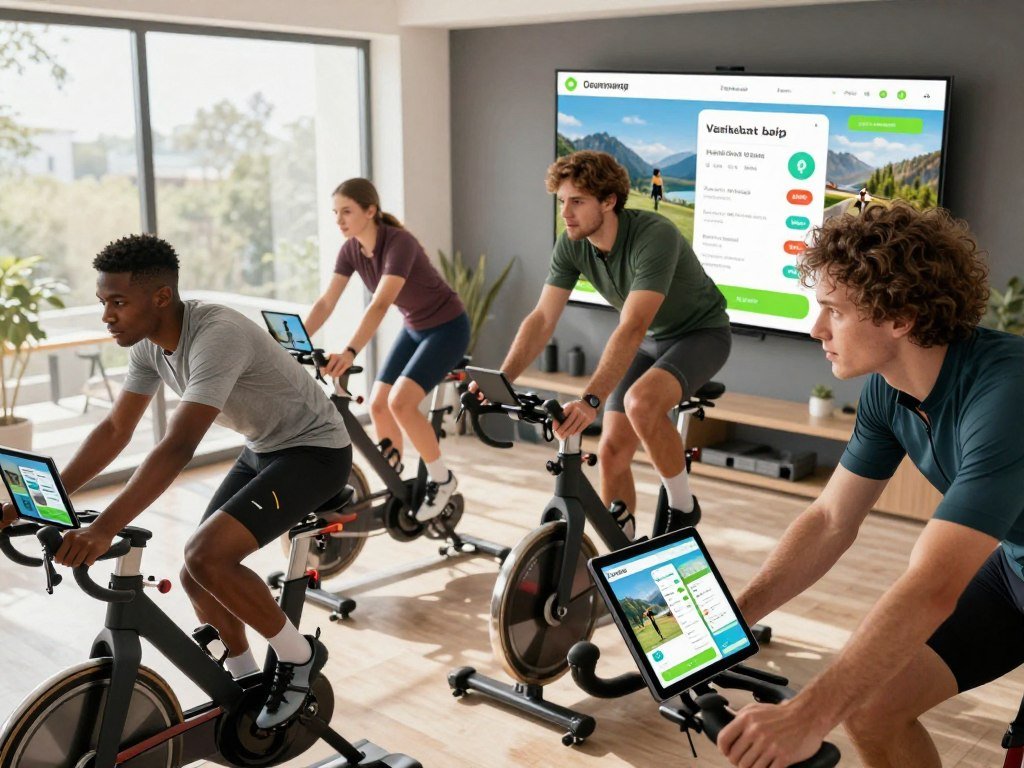
How to Choose the Best Indoor Cycling Apps for Your Goals
Start with the experience you want on an ordinary training day, not the feature list that looks longest. Your usual ride is a better guide than a special event or an ambitious plan. The best indoor cycling apps make their main format easy to enjoy and use.
Pick the screen and training style that match your reason for riding indoors. Indoor training apps generally fall into four formats, from virtual worlds to instructor-led classes. Each asks you to pay attention to something different.
Do you want a virtual world or real roads?
A virtual world puts a digital rider in a designed setting, often among other users. MyWhoosh offers this type of experience, which can make a solo ride feel more social. You can see other riders and join events without needing real-world scenery.
Real-route video shows roads as a camera recorded them. Rouvy adds digital rider elements to its augmented-reality route, while Kinomap uses videos made by users. Real roads can offer familiar climbs and scenery; a virtual world can make interaction and group activity feel more central.
MyWhoosh is the strongest free option in this shortlist for virtual rides, workouts and events. It is a useful answer if you want the best indoor cycling apps for free, especially for virtual riding. Free access does not mean every app offers the same community size or ride feel.
Is structured training or social riding your priority?
Data-led intervals focus your attention on targets such as power, pace, and work time. TrainerRoad centers on structured performance training, while Peloton uses instructor-led classes to guide each session. These formats help when you want a clear task rather than an open-ended ride.
Group rides and races offer a different kind of structure. You ride with other people, follow an event, or work toward a finish. Classes add an instructor and a set session, while training plans link workouts across days or weeks.
| Format | What appears on screen | Best for | Main trade-off |
|---|---|---|---|
| Virtual world | Digital roads and riders | Social rides, events | Designed scenery |
| Real-route video | Recorded roads and course views | Scenery and route practice | Less game-like interaction |
| Data-led intervals | Power targets and workout steps | Focused performance work | Less visual variety |
| Instructor-led classes | Coach-led cycling session | Guided effort and energy | Not an adaptive plan |
Use these checks to narrow your app choices before you spend time setting up a new platform:
- Motivation: Does a social event, a route, or a workout make you start?
- Training specificity: Do you need planned intervals or flexible rides?
- Social features: Do you want group activity, racing, or solo sessions?
- Device compatibility: Can the app connect to your screen and trainer?
If the app’s core riding format does not appeal to you, extra features are unlikely to make it a good fit.
Is Zwift the best choice for social rides and racing?
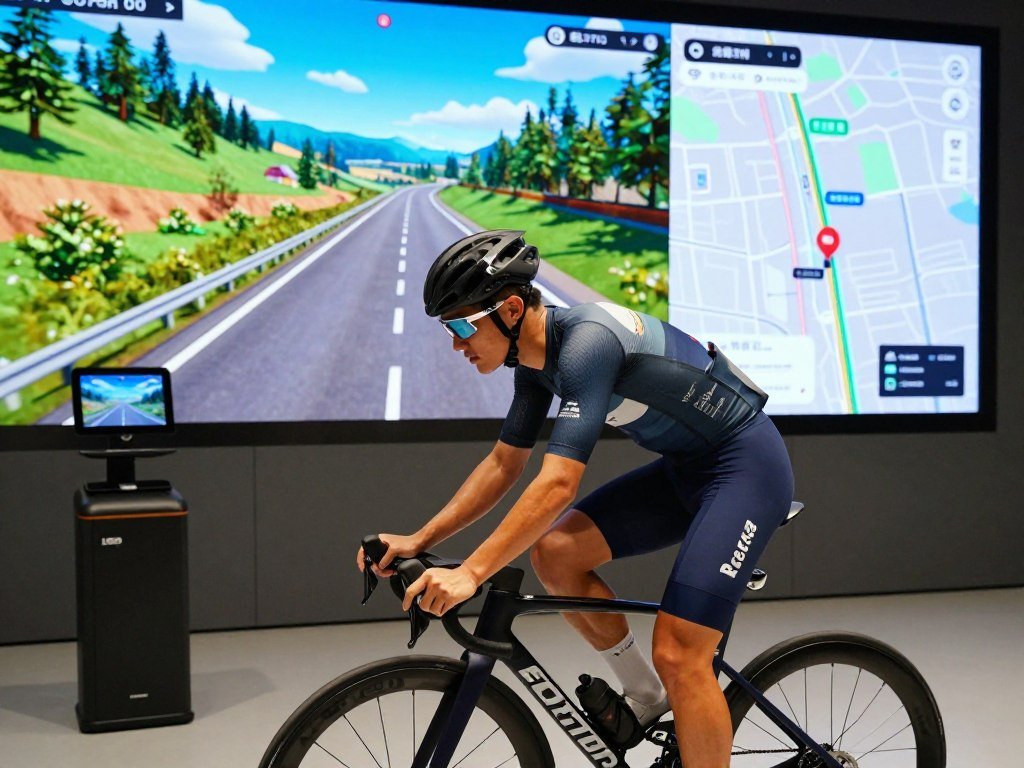
If a busy virtual world is what keeps you pedaling, Zwift is the clearest all-round starting point. Its social pull comes from riding alongside other users, joining events, and chasing a finish. Zwift offers more than 100 routes, giving riders many places to explore.
Zwift combines free rides, group rides, workouts, and races in one cycling app. You can choose a relaxed route one day and a scheduled event the next. That range helps riders keep indoor time from feeling like the same solo session.
RoboPacers ride around the clock, or 24/7, and give you a moving group to follow. They suit riders who want company without joining a formal event. A group ride adds a shared start and route, while a race gives you a goal and competition.
Structured workouts and cycling training plans also give Zwift a place in indoor training. You can ride within its virtual world while following a planned session. This works well for riders who want both training and an engaging screen, not only open riding.
Zwift may not be the best match if your first need is highly adaptive coaching. A training-first app may do more to shape sessions around performance data. The social side matters most when other riders and scheduled events help you return to the bike.
Before committing to a regular routine, consider what type of event sounds fun rather than intimidating. A group ride can feel more welcoming than a race if you are new to the platform. Try a scheduled group ride before deciding whether the social side adds enough motivation to your routine.

What does MyWhoosh offer for free?
MyWhoosh stands out when you want a substantial virtual-riding and workout platform without a monthly subscription. Its free access includes virtual worlds, races, workouts, and training plans. In 2026, the app offers 17 virtual worlds and hundreds of routes.
MyWhoosh is free to use and includes more than 700 workouts. Users can also join live coaching sessions, group rides, daily races, and training plans. Workout, race, and free-ride modes let you choose a session that matches your mood.
The mix gives MyWhoosh more range than a basic virtual riding app. You can follow a planned workout, ride freely, or join an event. Version 6.2.0 added a Smart Workout Selector to help users choose a session.
That breadth makes the app a credible alternative for riders who do not want another subscription. It does not promise the same community size or experience as every paid rival. Your preferred format still matters: a free service is useful only if you enjoy how it feels to ride.
The Sunday Race Club offers prize pools across six categories, split equally between men and women. A prize pool does not mean every rider will win, and race categories can shape who is eligible. Treat these events as competitions, not guaranteed rewards.
Check the event category and eligibility rules before treating a prize race as a casual group ride.
Is Rouvy worth choosing for real-world routes?
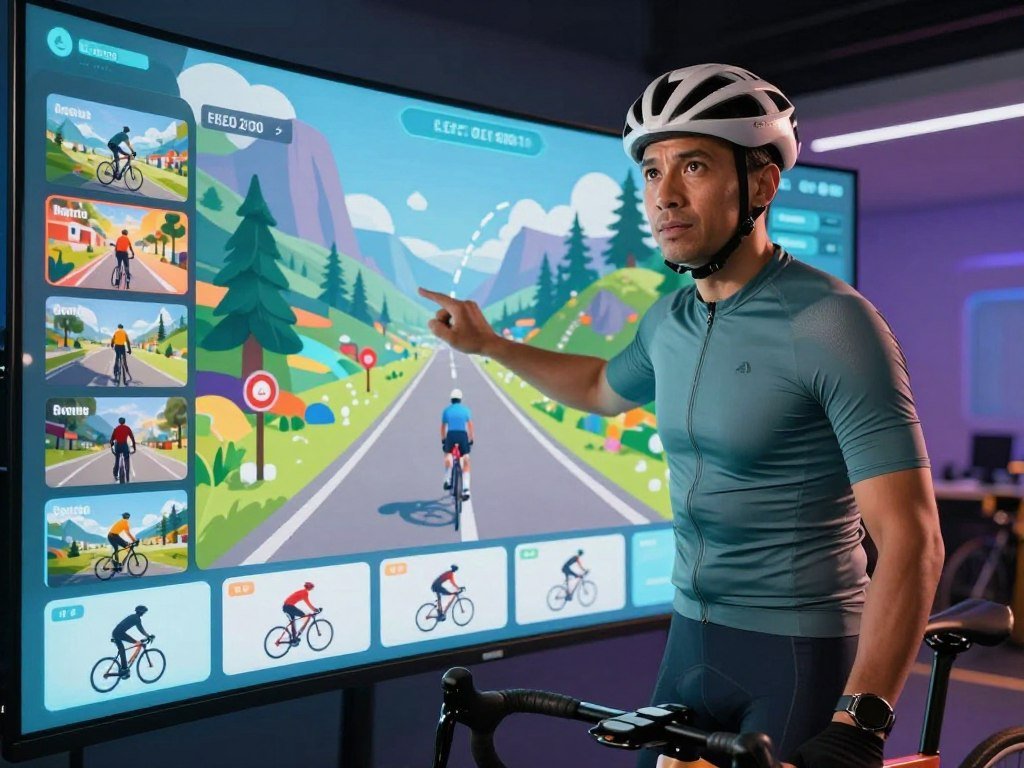
Choose Rouvy if you would rather climb a recognizable real road than ride through a designed landscape. Real routes put recorded scenery at the center of the ride. Rouvy offers more than 1,500 augmented-reality routes.
Rouvy pairs real route footage with digital ride elements. That format can make course practice more engaging than a workout screen alone. It also gives you a way to explore a road or climb while riding indoors.
The route library includes Ironman-branded courses such as Kona, Ironman Canada, Ironman Cairns, and Ironman Lake Placid. Those courses can help athletes get a feel for recognizable event roads. A familiar route may make an indoor session feel tied to a real goal.
Rouvy differs from a game-like virtual world because the view comes from real roads, not an imagined setting. You follow actual scenery while digital rider elements appear in the scene. That can suit riders who want a route to look like a place they might ride outdoors.
The route-focused experience is not essential for every training session. If you mainly want a data-led interval screen, recorded scenery may add little to your routine. Riders who value clear targets over visual routes may prefer a training app built around workout steps.
Think about the courses you would actually select, rather than the size of the catalog alone. A route library is most useful when its roads match your events or travel interests. Match the route library to the events or places you genuinely want to ride.
Can TrainerRoad help you train more consistently?
TrainerRoad is the strongest fit here for a rider who wants training decisions driven by workout data. Structured work takes priority over scenery, races, and social rides. The training app uses recent workout data to shape its Adaptive Training recommendations.
Adaptive Training uses recent sessions to calculate fitness metrics and prescribe personalized workouts and goals. That approach can help you decide what to do next, rather than choosing a route first. TrainerRoad puts performance training at the center of its platform.
Each workout gives you a clear task, such as following power targets through intervals. FTP means Functional Threshold Power, the highest average power a rider can sustain for about an hour. You can use FTP as a reference point when a plan sets training targets.
Recent workout data helps Adaptive Training adjust the sessions and goals it recommends. That differs from joining a group ride, where the event itself shapes the experience. It also differs from picking a scenic route and riding at your own pace.
This style suits you if you want your indoor time to support a performance goal. Riders who want visual scenery, racing, or social interaction may prefer another format. TrainerRoad is less about making a ride look like an outdoor course and more about giving each session a purpose.
A detailed plan still has to fit real life. Work, family, and recovery time affect how many sessions you can keep. A plan is useful only when its workload fits the time you can reliably give it.
What makes the Wahoo App different from a virtual cycling world?
The Wahoo App is a better fit for planned sessions than for exploring a virtual world. Workouts come first, with training plans guiding how sessions fit together. The app does not center on a simulated riding environment.
You can use Wahoo workouts indoors or upload them to a Wahoo ELEMNT bike computer for outdoor riding. That gives the same structured session a role in more than one setting. It can suit a rider who trains indoors during the week and rides outside when time allows.
A workout sets the task for one session, while a training plan links sessions across a longer period. The app focuses on these tools rather than a digital landscape with other riders. You choose it for planned training, not for social exploration.
Using a workout indoors can help you keep a session focused when weather or schedule keeps you inside. Transferring that workout to a Wahoo ELEMNT can carry a planned effort onto an outdoor ride. The device lets you follow the session while riding your bike outside.
This makes the Wahoo App distinct from apps built around virtual routes or real-road video. It does not need to replace a separate ride experience if you already enjoy one. Its main value is carrying planned training between indoor and outdoor settings.
Choose it when carrying the same structured workout from an indoor session to an outdoor ride matters to you.
Does FulGaz suit riders who want realistic route video?
FulGaz is a good match when realistic ride footage matters more to you than avatars or game mechanics. Real-road video sets the tone, with bike-recorded routes shown in 4K. The screen focuses on the road ahead rather than a designed virtual world.
FulGaz pairs 4K route footage with the option to upload workouts from TrainingPeaks. That adds training tools without changing the app’s main appeal. You can follow video routes while working through a session you have imported.
FulGaz also includes programs such as a 12-week FTP-improvement series. FTP, or Functional Threshold Power, is the highest average power a rider can sustain for about an hour. A defined program may suit you if you want a time-based goal beside scenic riding.
Workout imports from TrainingPeaks can help bring existing training into the app. The route video remains the central experience, so the app is not simply an interval dashboard. Riders who want scenery without a game-like world may find that balance appealing.
Consider whether you would use the video routes often enough to make them central to indoor riding. A workout import can add structure, but it does not make every route or plan a fit. Check that the specific routes and workout structure suit your training before committing to the format.
When does TrainingPeaks Virtual make sense?
TrainingPeaks Virtual makes most sense if you already use TrainingPeaks or value riding a route you can import. Custom routes let you ride a course you create or upload as a GPX file. GPX is a file format that holds route data.
TrainingPeaks Virtual is included with TrainingPeaks Premium, not sold on its own. Premium costs $19.95 per month or $134.99 per year. Those prices cover access through the Premium subscription.
Importing a GPX file can turn a recorded or custom route into an indoor ride. That can appeal to riders preparing for a course or revisiting a route they have already ridden. The app simulates wind, braking, and cornering to add more race-like movement.
Those details make TrainingPeaks Virtual different from simply watching route footage. You ride the uploaded course while the simulation responds to changes in the route. Riders who want a fully imagined virtual world may still prefer a platform built around that format.
The subscription condition matters if Virtual is the only feature you want. Premium may make more sense when its other training tools also fit your needs. Check whether you need the Premium subscription for other training tools before paying for Virtual alone.
Which apps help you review training and ride data?
Use a tracking or analysis app to make sense of training history, not as a substitute for a ride experience you want on screen. Ride review helps you see patterns across sessions. Strava subscription tools and TrainingPeaks offer ways to log or study training.
Strava includes cycling plans, power analysis, custom goals, a training log, and Fitness & Freshness tracking. Power analysis requires a power meter. Those tools can help you look back at training rather than guide every second of a virtual ride.
- Cycling training plans for planned sessions.
- Power analysis for riders with a power meter.
- Custom goals for tracking personal targets.
- A training log for recorded activity history.
- Fitness & Freshness tracking for training trends.
Strava’s Live Segments appear in its mobile app and on select compatible devices. They compare your personal record with the current KOM, QOM, or CR for a segment. Those comparisons add a performance target to supported rides.
TrainingPeaks serves as a training log and analysis platform, helping you review sessions and plans. Strava also records rides and adds subscription analysis features. Neither role is the same as riding through a virtual world or watching a route on screen.
Does Strava have indoor cycling workouts? A Strava subscription includes cycling training plans, but Strava is not itself the virtual riding environment described in the product sections. Its tools help review and plan activity, rather than provide that simulated ride.
Confirm that your power meter and device support the analysis features you plan to use.
How much do indoor cycling apps cost, and what trials do they offer?
A short trial can be more useful than choosing the cheapest subscription before you know whether you like the experience. Compare the terms as well as the monthly cost. The listed prices below include current 2026 terms where the year is stated.
TrainerRoad costs $22 per month in 2026 and offers a 30-day money-back guarantee, not a free trial. Rouvy’s 2026 monthly price is $20, with a seven-day free trial. FulGaz and the Wahoo App offer free trials.
| App | Monthly price | Annual price if given | Trial or guarantee |
|---|---|---|---|
| Zwift | $19.99 | $199.99 | Not stated |
| Rouvy | $20 in 2026 | Not stated | 7-day free trial in 2026 |
| TrainerRoad | $22 in 2026 | Not stated | 30-day money-back guarantee in 2026 |
| FulGaz | $15 per month in 2026 | Not stated | Free trial in 2026 |
| Wahoo App | $18 per month in 2026 | Not stated | One-month free trial in 2026 |
A free trial gives you access for an introductory period. A money-back guarantee is different because you pay first, then may qualify for a refund under its terms. A free-to-use service also differs from a trial, since it does not depend on a temporary access period.
Zwift lists both monthly and annual prices, while the other annual prices are not stated here. Do not treat a refund period as a free ride or assume every app offers an introductory period. Check the current plan terms at sign-up, especially whether the introductory period renews into a paid subscription.
What equipment and phone do you need to run an indoor cycling app?
You do not always need a smart trainer to start, but it gives an app more control over resistance. Your setup determines whether the app can record your effort, change the ride feel, or do both. Check what each device can send before choosing an app.
A basic trainer can record speed with sensors, while a smart trainer can also adjust resistance. Smart trainers connect with apps through Bluetooth or ANT+ FE-C, depending on the app and device. Some traditional trainers can use a speed sensor mode, including MyWhoosh.
Start with the trainer and sensor setup
| Setup | What the app can use | Main limitation |
|---|---|---|
| Basic trainer with speed and cadence sensors | Speed and cadence readings | No automatic resistance control |
| Smart trainer | Power, speed, and resistance control | Pairing support varies by app |
| Smart bike | Bike data and controlled resistance | App support varies by model |
Recording power or speed tells the app how your ride is going. Controlling resistance lets the app make a climb or workout feel harder or easier. Those are separate functions, so a sensor setup does not automatically give an app resistance control.
Check the app and screen compatibility
Indoor cycling apps may run on iPhone, Android phones, computers, or Apple TV, depending on the product. The same app may support one screen but not another. Check the exact app version and device pairing before you subscribe.
Use this quick checklist to check the parts that need to work together:
- Trainer type: basic trainer, smart trainer, or smart bike.
- Sensors: speed, cadence, or power devices you already own.
- Device operating system: iPhone, Android, computer, or Apple TV.
- Connection method: Bluetooth or ANT+ FE-C support.
Confirm the app supports both your screen and your trainer before building a setup around it.
Is indoor cycling effective for fitness and health?
Indoor cycling can be an effective way to add regular aerobic activity, especially when the sessions fit your week. Regular riding can count toward the World Health Organization’s adult activity recommendation. Adults should get at least 150 minutes of moderate-intensity physical activity each week.
Regular physical activity is linked with lower risks of several health problems. These include all-cause mortality, cardiovascular disease mortality, hypertension, some cancers, and type 2 diabetes. Activity can also support mental health, cognitive health, sleep, and measures of body fat.
Indoor cycling calorie estimates vary by effort and body weight. Moderate-intensity cycling can burn 210 to 294 calories per 30 minutes, depending on body weight. Vigorous-intensity cycling can burn 315 to 441 calories over the same time.
Those ranges describe estimated energy use, not a promise of weight loss. A calorie estimate does not show what you eat or how much energy your body uses outside the ride. Use it as a rough measure of effort, not a guaranteed outcome.
Regular physical activity is associated with benefits across more than one area of health:
- Cardiovascular health.
- Mental health.
- Cognitive health.
- Sleep.
A stationary bike also lets you choose a steady effort or a harder session as your fitness changes. The key is finding a routine you can keep, rather than making every ride intense. Build consistency first, then adjust the ride intensity to match your current fitness and goals.
How can you make an indoor cycling session comfortable?
A comfortable indoor session starts with a stable bike and a position you can hold without reaching or rocking. Small fit changes can matter more indoors because your bike stays in one place. An ill-fitting saddle or poor reach may become clear during a steady ride.
Set the bike so you can pedal smoothly with relaxed shoulders and easy access to the handlebars. Check that the bike does not shift on the trainer. Your saddle should let you pedal without reaching at the bottom of each stroke.
Set your saddle and reach before riding
To sit on an indoor cycle, keep a neutral posture with relaxed shoulders and a slight bend in your elbows. Hold the bars without locking your arms or leaning hard on your hands. You can change hand position during the ride instead of holding one rigid pose.
Use these three fit checks before settling into a session:
- Saddle height: Pedal without rocking from side to side.
- Reach to the bars: Keep your shoulders relaxed and elbows slightly bent.
- Stable bike placement: Check that the bike stays firm on the trainer.
Keep the session manageable and the room cool
Start at a manageable effort, especially if you are new to indoor training. Use airflow to keep the room comfortable, and keep water and a towel nearby. Those simple choices make it easier to focus on the ride instead of heat or sweat.
A static indoor position can make a small discomfort grow over time. Shift your hands and posture now and then, rather than trying to stay perfectly still. Stop and adjust if pain or numbness develops rather than trying to push through it.
When are filmed routes or instructor-led classes a better fit?
A class or a filmed road can make indoor riding more engaging if you prefer following an instructor or seeing real scenery. Screen choice changes the feel of a session. Kinomap shows real routes, while Peloton centers on instructor-led spin classes.
Kinomap combines user-generated route videos with multiplayer sessions. The videos show real places filmed by users, and multiplayer can add company. That format suits riders who want to watch a road rather than move through a designed virtual world.
Peloton offers a different kind of guidance, with live and recorded instructor-led classes. The instructor sets the tone and leads the session, much like a studio spin class. Riders who want a class structure may prefer that over following a mapped route.
These formats offer motivation through scenery or instruction, not through an adaptive cycling plan. A filmed route does not automatically shape future workouts around your performance data. A class gives you a guided session, but it is not the same as a personalized training plan.
Kinomap’s multiplayer sessions can bring other riders into a route-video experience. Peloton’s classes instead place the instructor at the center of the screen. Both can make a solo ride feel less quiet, but they do so in different ways.
Choose a screen format you can enjoy for the full session, not just for its first few minutes.
Think about whether you prefer watching a real road, following a coach, or riding with other users. The answer may change from one training day to another, but a familiar format can help you start. Choose the screen format you are most likely to enjoy through an entire session.
Conclusion
The best choice is the one that makes your indoor sessions easier to start and easier to repeat. Zwift suits riders motivated by social virtual riding, while TrainerRoad focuses on adaptive structured training. Rouvy centers on real-world routes, and MyWhoosh offers a free virtual option.
You do not need to settle on a long-term platform before you know how it feels. Start with the format that fits your usual routine, then try a session that reflects how you plan to ride. Choose one promising app, confirm your device compatibility, and use its trial or free option when available.
FAQ
What is the best bike fitness app?
Zwift is the best broad pick for social virtual riding, while TrainerRoad suits structured performance training. Zwift puts other riders, group events, and races into the experience. TrainerRoad focuses on data-led workouts and adaptive training. MyWhoosh is the free option if you want virtual rides and workouts without a subscription. Your motivation matters more than a single overall ranking.
Does Strava have indoor cycling workouts?
Strava includes cycling training plans, but it is not a virtual cycling world. A subscription also offers power analysis for riders who use a power meter, along with goals and training history tools. You can use it to review recorded activity and follow a plan. For a simulated ride with roads or other riders on screen, choose a separate riding app.
Is indoor cycling effective?
Yes, indoor cycling can count toward the World Health Organization’s recommendation of at least 150 minutes of moderate-intensity activity each week for adults. It gives you a way to add aerobic exercise without needing an outdoor route. Regular physical activity is linked with several health benefits, including support for heart health, sleep, and mental well-being. A steady routine matters more than a single hard ride.
Is 20 minutes of stationary bike a day enough?
Twenty minutes is a useful session, and 20 minutes every day adds up to 140 minutes per week. Adults are advised to get at least 150 minutes of moderate-intensity physical activity weekly, so that schedule falls short by 10 minutes. A slightly longer session or another short activity can close the gap. The effort level also matters when counting moderate activity.
Can you lose belly fat by indoor cycling?
Indoor cycling can add to your overall energy use, but it cannot target fat loss in one body area. Where your body loses fat first is not controlled by a specific exercise. Weight change also depends on overall energy balance, including food intake and activity. Use cycling as a repeatable form of exercise, rather than expecting it to change only your stomach.
Is walking or cycling better for losing belly fat?
Neither walking nor cycling can selectively reduce belly fat. Both can add physical activity to your week, so the better choice is the one you can keep doing. Weight loss also involves an overall calorie deficit, which means using more energy than you take in over time. You can choose either activity or combine them to make your routine easier to sustain.
How much biking equals 10,000 steps?
There is no fixed cycling distance or time that equals 10,000 steps. Step counts depend on walking pace and stride, while cycling effort varies with speed, terrain, and resistance. A time-and-intensity comparison is more useful than trying to convert every pedal stroke into steps. Keep separate records for walking and cycling if you want to track both activities.
How long should I do indoor cycling to lose weight?
No single ride length guarantees weight loss. A practical goal is to build toward at least 150 minutes of moderate-intensity physical activity each week, the adult recommendation. You can divide that time into sessions that fit your schedule. Weight change also depends on overall energy balance, so cycling duration alone does not determine the result.
About The Author


